Gaming gifts can be personal or practical: a small desk upgrade may suit someone who has a favorite setup, while shared entertainment gear can make game night more social.
These eight picks cover audio, controls, streaming, connectivity, and ways to improve a gaming space. Check compatibility with the recipient’s devices and desk before buying.
8 Gift Ideas for Gamers
SteelSeries Arctis Nova 7P Wireless Gaming Headset
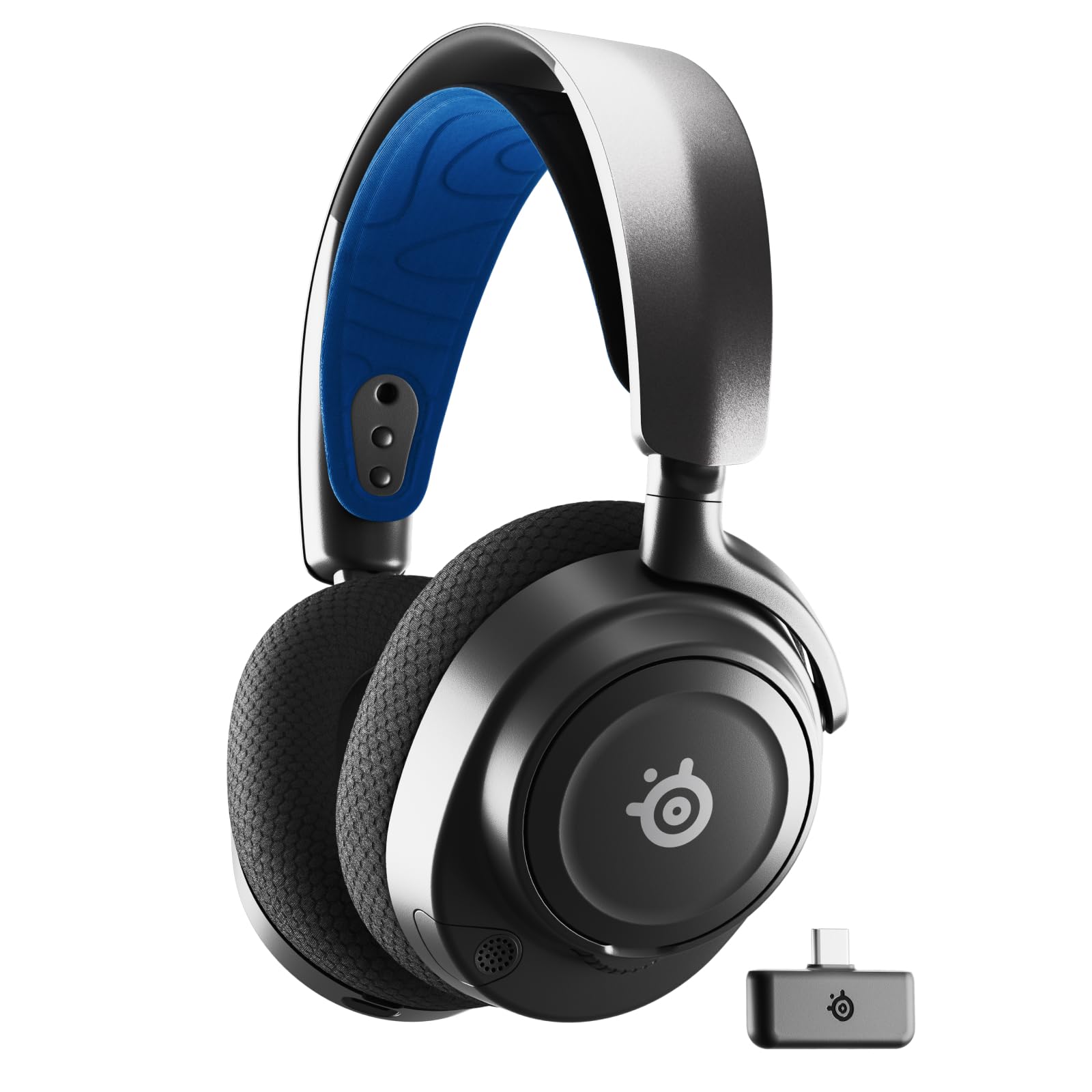
- Connects wirelessly with PC, PlayStation, Switch, or tablet using a portable USB-C dongle.
- Mix calls or music with game audio when playing at home.
- The retractable mic can be hidden for a commute.
Best Gift For: A console or PC player who wants wireless game audio and a retractable mic for calls.

SteelSeries Apex Pro TKL Gaming Keyboard
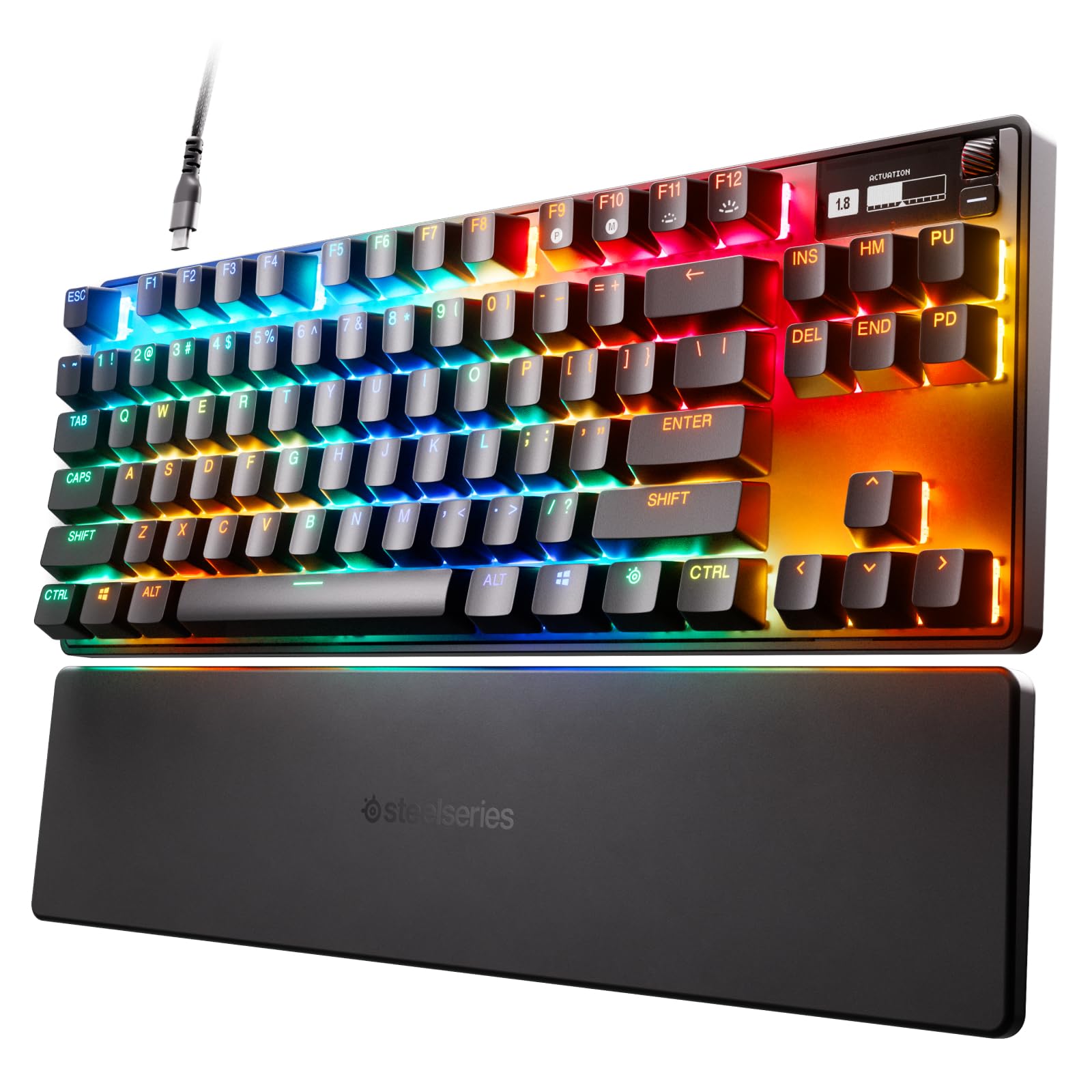
- Adjust actuation across 40 levels for different keys.
- Assign two actions to one key using different press depths.
- The tenkeyless layout combines a compact form with full-size functionality.
Best Gift For: A PC gamer who wants configurable key response and a compact desk layout.
SteelSeries Rival 5 Gaming Mouse
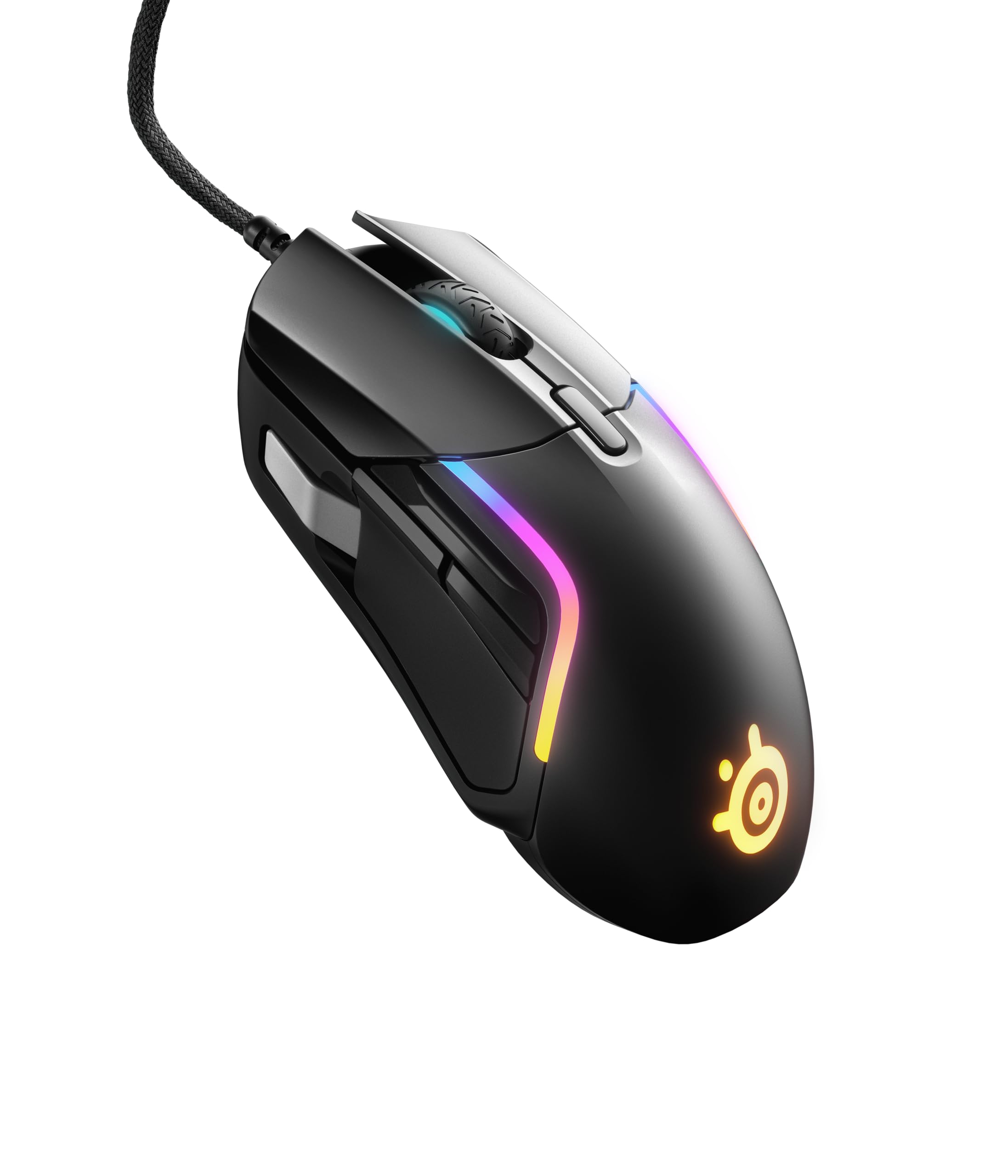
- Has nine programmable buttons, including five quick-action side buttons.
- Its sensor is designed for one-to-one tracking.
- Weighs 85g.
Best Gift For: A gamer who enjoys mapping quick actions for fast-paced games.
FIFINE AmpliGame AM8W XLR/USB Gaming Microphone
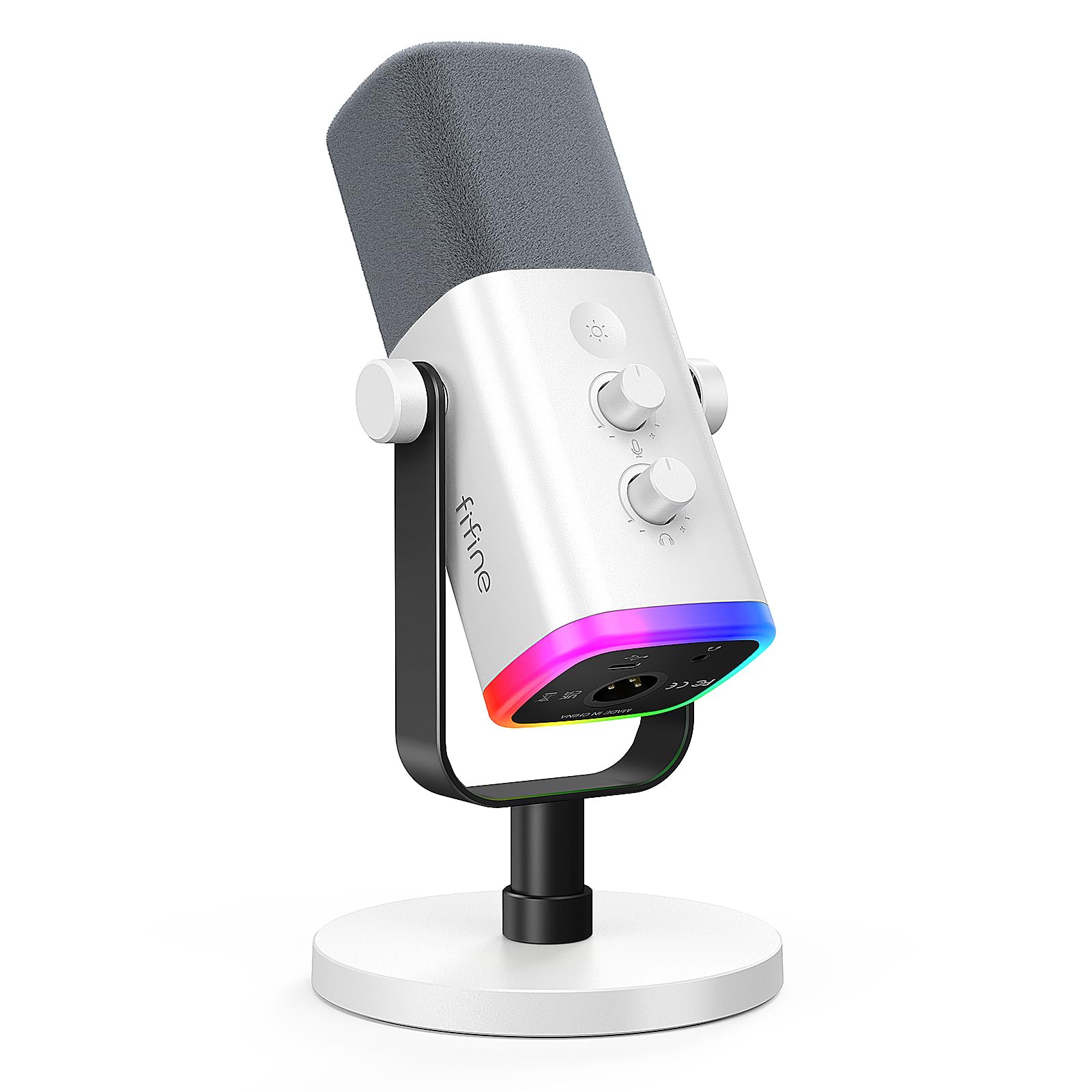
- Offers USB and XLR connections for different audio setups.
- Includes a tap-to-mute control and gain knob.
- RGB lighting can be changed or switched off with a tap when using USB.
Best Gift For: A gamer who streams, records voiceovers, or makes podcasts.
Nylavee Computer Speakers with 6 Lighting Modes
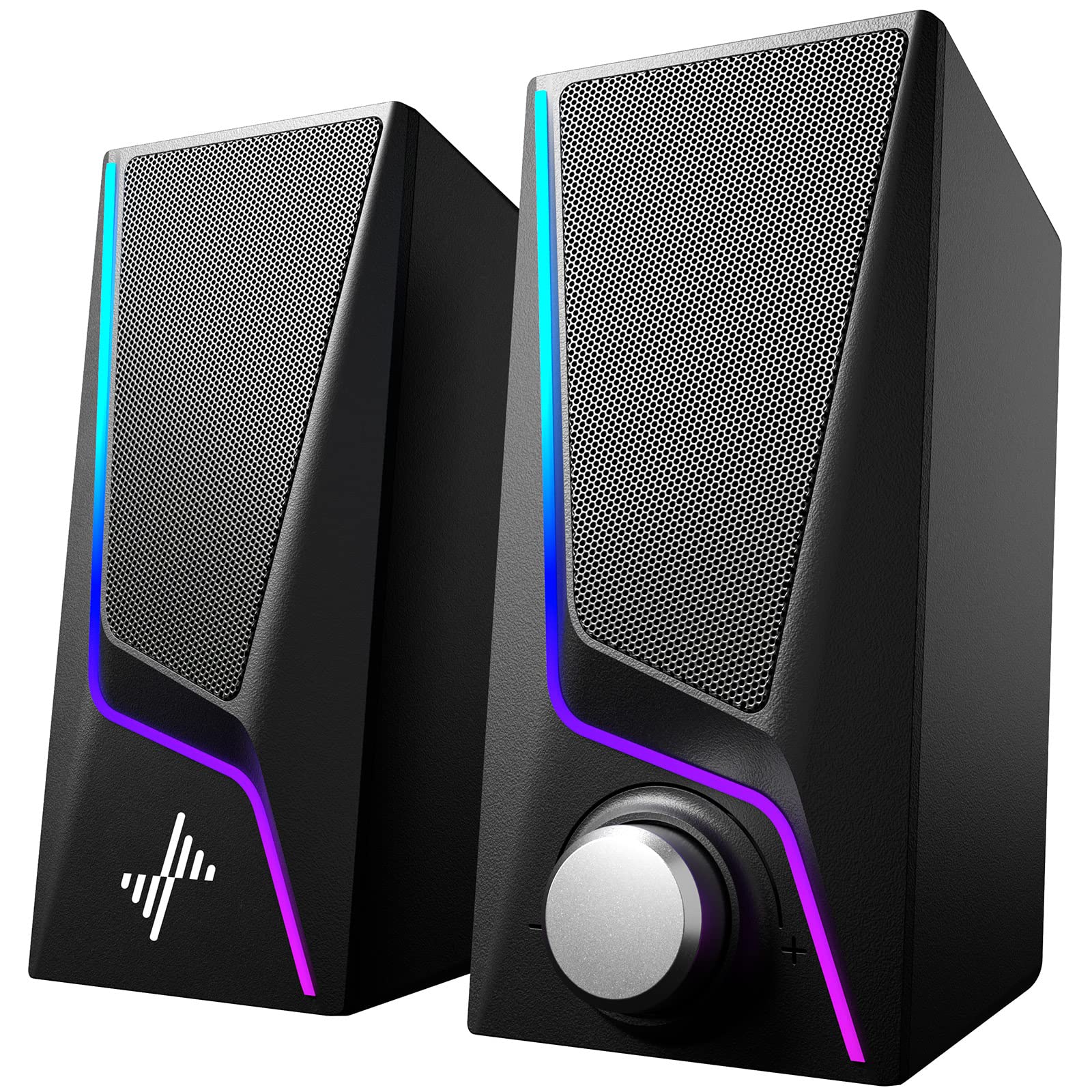
- Touch controls offer six lighting modes.
- A single knob controls power and volume.
- Audio connects through the 3.5mm cable; USB supplies power.
Best Gift For: A desktop gamer who wants wired speakers with adjustable lighting for their setup.
TP-Link Archer AXE75 WiFi 6E Tri-Band Router
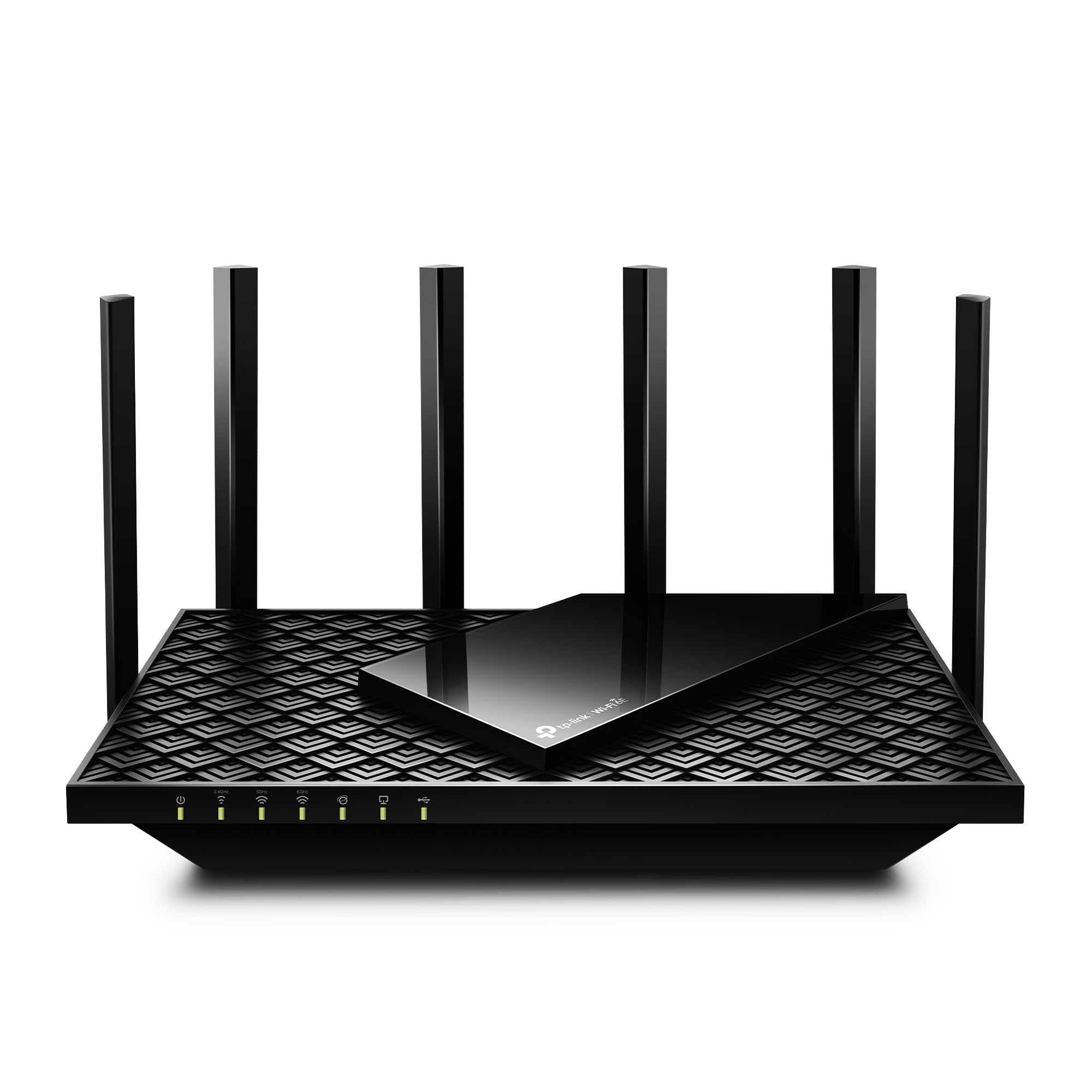
- The 6 GHz band is intended to support more responsive gaming and video calls.
- Tri-band and OFDMA technology increase capacity by 4 times to enable simultaneous transmission to more devices.
- Works with internet providers, with a modem required for most providers.
Best Gift For: A gamer whose household wants a router for gaming alongside streaming and other connected devices.
HUANUO FlowLift Dual Monitor Stand
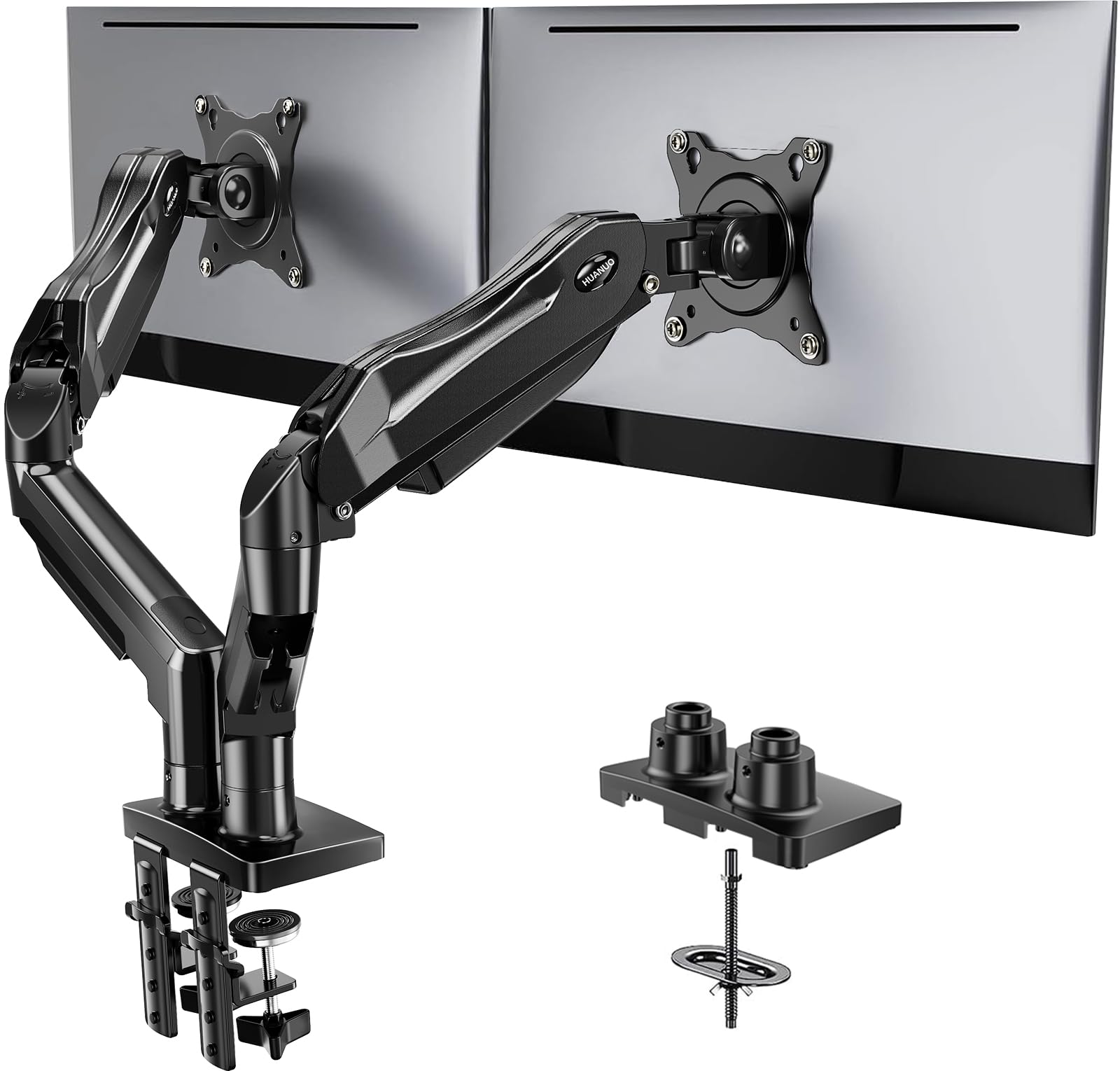
- Fits screens from 13 to 32 inches, weighing 4.4 to 19.8 lbs each, with VESA 75x75mm or 100x100mm mounting holes.
- Offers tilt, swivel, and full rotation adjustments.
- Built-in cable management routes wires along the arms.
Best Gift For: A gamer with two compatible monitors who wants more clear desk space.
TMY 1080P Mini Projector with 80-Inch Screen
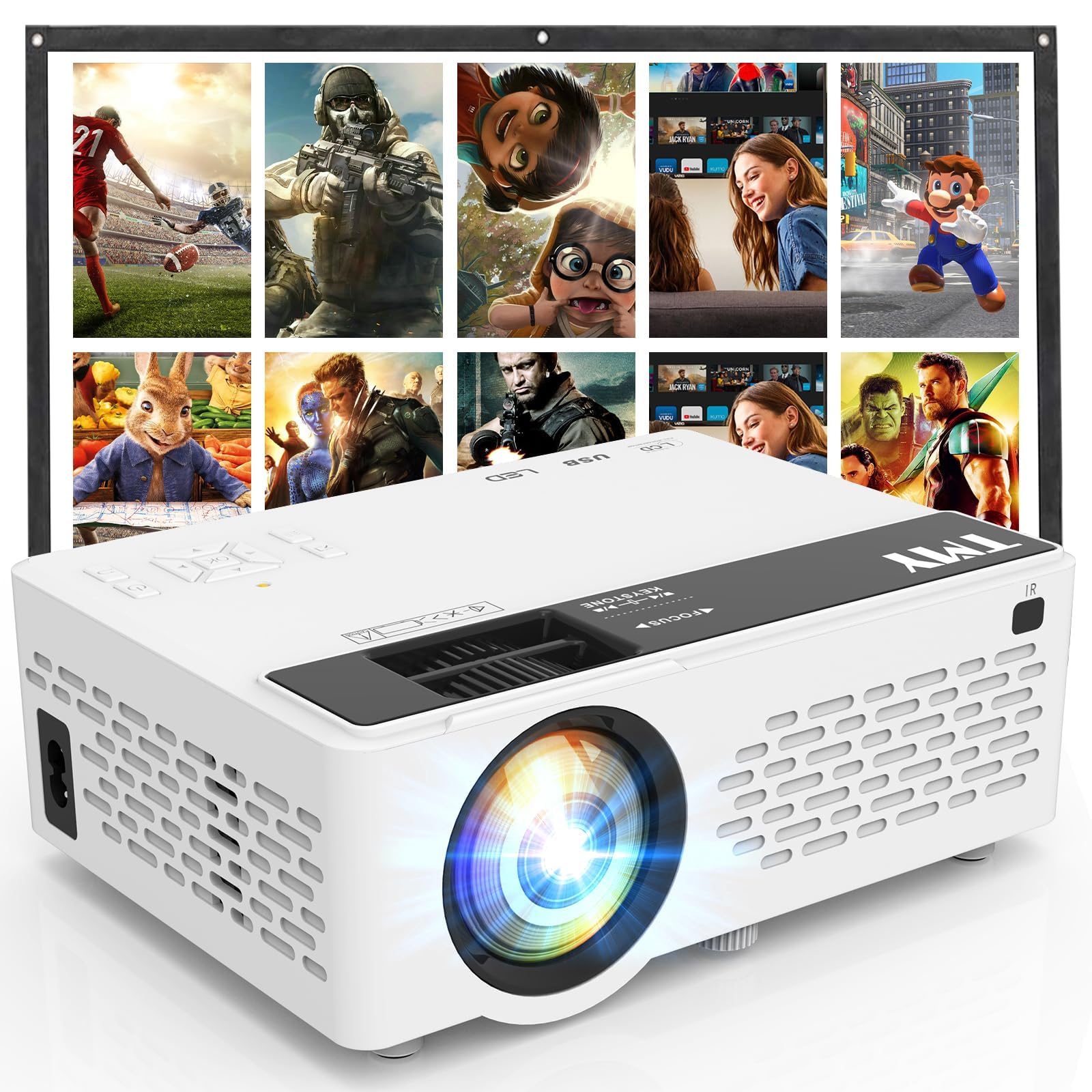
- Includes an 80-inch foldable projection screen.
- Supports gaming consoles including PS4, PS5, Xbox, and Nintendo Switch.
- For phones and tablets, an HDMI adapter cable is needed and is not included.
Best Gift For: A gamer who likes playing on a larger shared display at home or outdoors.
Choose gifts for gamers by how they play
When choosing gifts for gamers, start with the recipient’s routine. Someone who plays competitive matches at a desk may appreciate a control or comfort upgrade, while a person who streams or records needs gear that fits that creative workflow.
Think about what they use most often before choosing a flashy extra.
Consider the setting as well as the activity. A headset suits solo play or calls, desktop speakers fit a shared room, and a projector can turn a game into a group event.
For a player with a carefully arranged desk, an accessory that adds space or tidiness may feel more considerate than another novelty.
Compatibility is the practical filter that makes a gift useful. Check which console or computer they use, how their audio connects, and whether their monitor and desk suit a stand.
If you cannot confirm those details discreetly, choose a gift with an easy return path and keep the packaging intact.
Balance the budget with the setup
Set a comfortable spending range before browsing. Smaller accessories can be thoughtful when they solve a real annoyance, such as crowded controls or tangled cables; larger setup changes make sense when you know the recipient wants them and has room for them.
A higher price does not automatically make a gift more personal.
For gifts for gamers, think about the total setup cost. A device may need a cable, adapter, compatible display, or other equipment to work as intended, so verify what is included and what the recipient already owns.
This is especially useful when buying audio or networking gear for a particular computer or home arrangement.
Compare current prices and check dimensions and compatibility before you order. For a substantial desk or network upgrade, a gift card paired with a specific note about the idea can be safer than guessing.
For a modest present, a useful accessory chosen around a known preference can feel complete on its own.
Personalize the gift and presentation
Personalization can come from recognizing how the person actually plays. A friend who maps controls, a sibling who streams, or a partner who hosts game nights will each value a different kind of upgrade.
Use what you know about their habits, favorite devices, and available space to narrow the choice.
Wrap the gift with a short note explaining why it made you think of them. For gifts for gamers, mention the shared session, favorite genre, or setup detail that inspired the pick rather than making a broad claim about performance.
A small accessory can feel especially thoughtful when paired with an invitation to try it together.
If the gift changes a desk or entertainment space, present it as an option rather than a demand to rearrange the room. Keep the receipt and any accessories together, and let the recipient choose where it fits.
That gives them room to adapt the new item to a setup they have already made their own.
Make the buying decision with confidence
Before checkout, confirm the exact model and connection type, then compare the product dimensions with the recipient’s space. For a mount, verify both the monitor requirements and desk conditions; for a projector or audio accessory, check how it will connect to the source device.
A quick, discreet question can prevent an otherwise thoughtful gift from becoming inconvenient.
For gifts for gamers bought close to an occasion, check the seller’s current delivery estimate and return terms rather than assuming a particular arrival date. Keep a backup idea ready in case the timing or compatibility does not work.
A locally available accessory or a planned gaming night can still make the occasion feel considered.
Give yourself time to review the order details and save the confirmation where you can find it. If the recipient needs to choose a variant or confirm compatibility, a card describing the planned gift can preserve the surprise while leaving that decision to them.
The most useful present is one they can comfortably add to their existing routine.