A programmer’s workspace is personal: one person might value a more flexible desk setup, while another would welcome better audio or useful ways to connect devices.
These 10 gift ideas for programmers cover practical upgrades and enjoyable extras. Check compatibility and available desk space before choosing.
10 Gift Ideas for Programmers
FIFINE T669 USB Condenser Microphone Kit
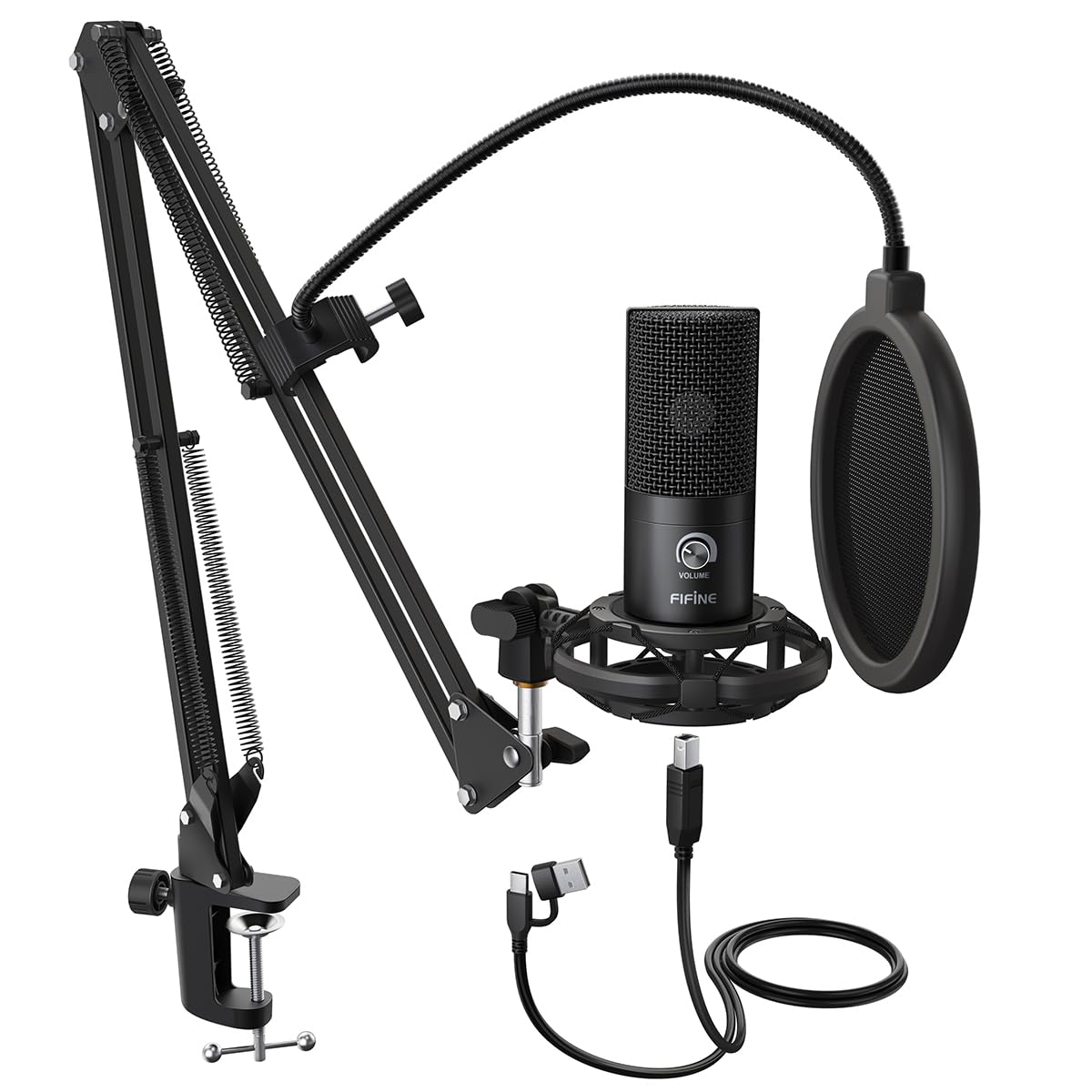
- Connects to a PC or laptop with plug-and-play USB.
- Includes a boom arm and double pop filter.
- The cardioid capsule captures audio from the front.
Best Gift For: A programmer who records podcasts, voiceovers, or online conversations at a desk.

HUANUO FlowLift Single Monitor Mount
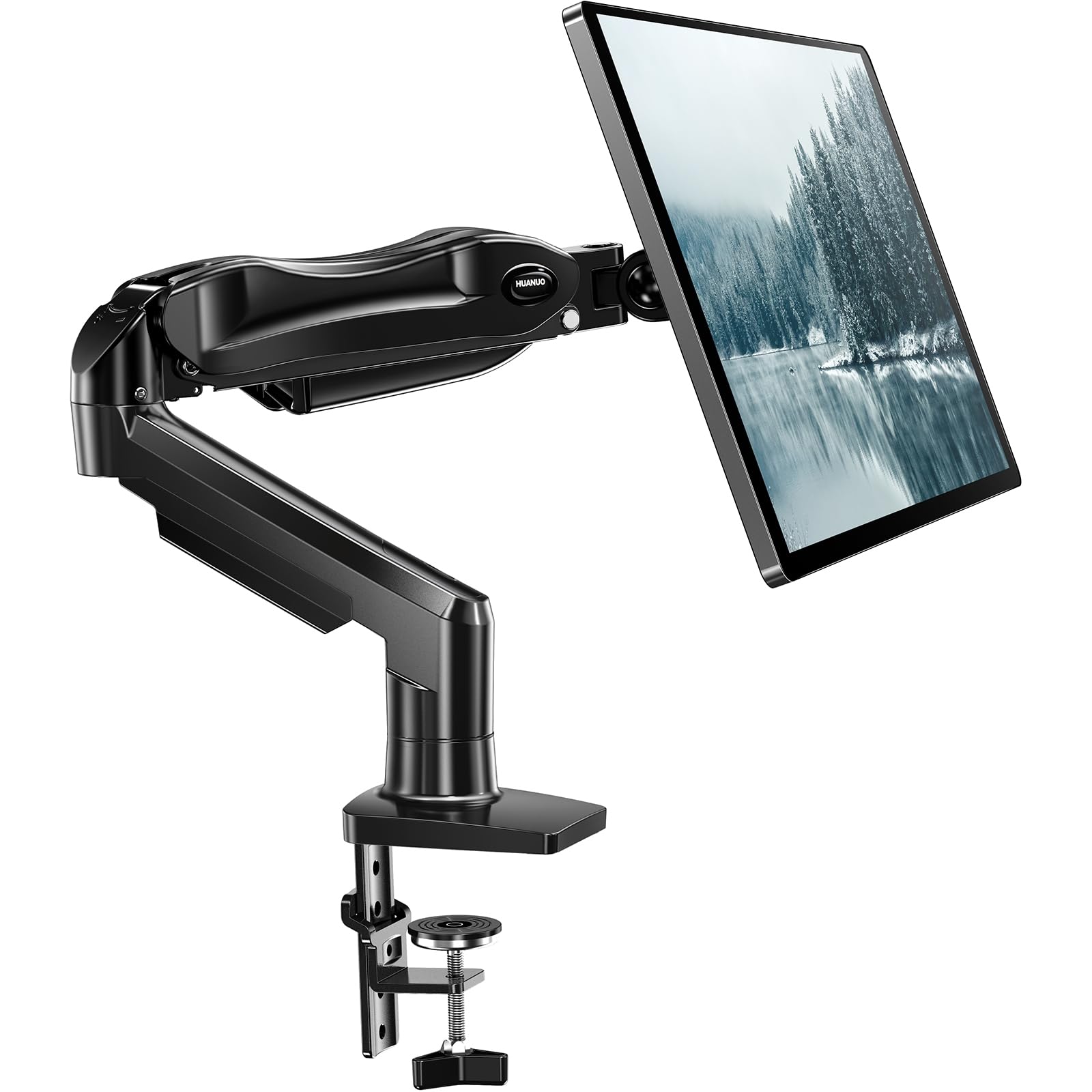
- Fits monitors from 13 to 32 inches.
- Offers tilt, swivel, and rotation adjustments.
- Choose a C-clamp or grommet mount.
Best Gift For: A programmer with a 13–32 inch monitor who wants adjustable positioning at a desk.
Nulaxy Pull-Out Height Adjustable Laptop Stand
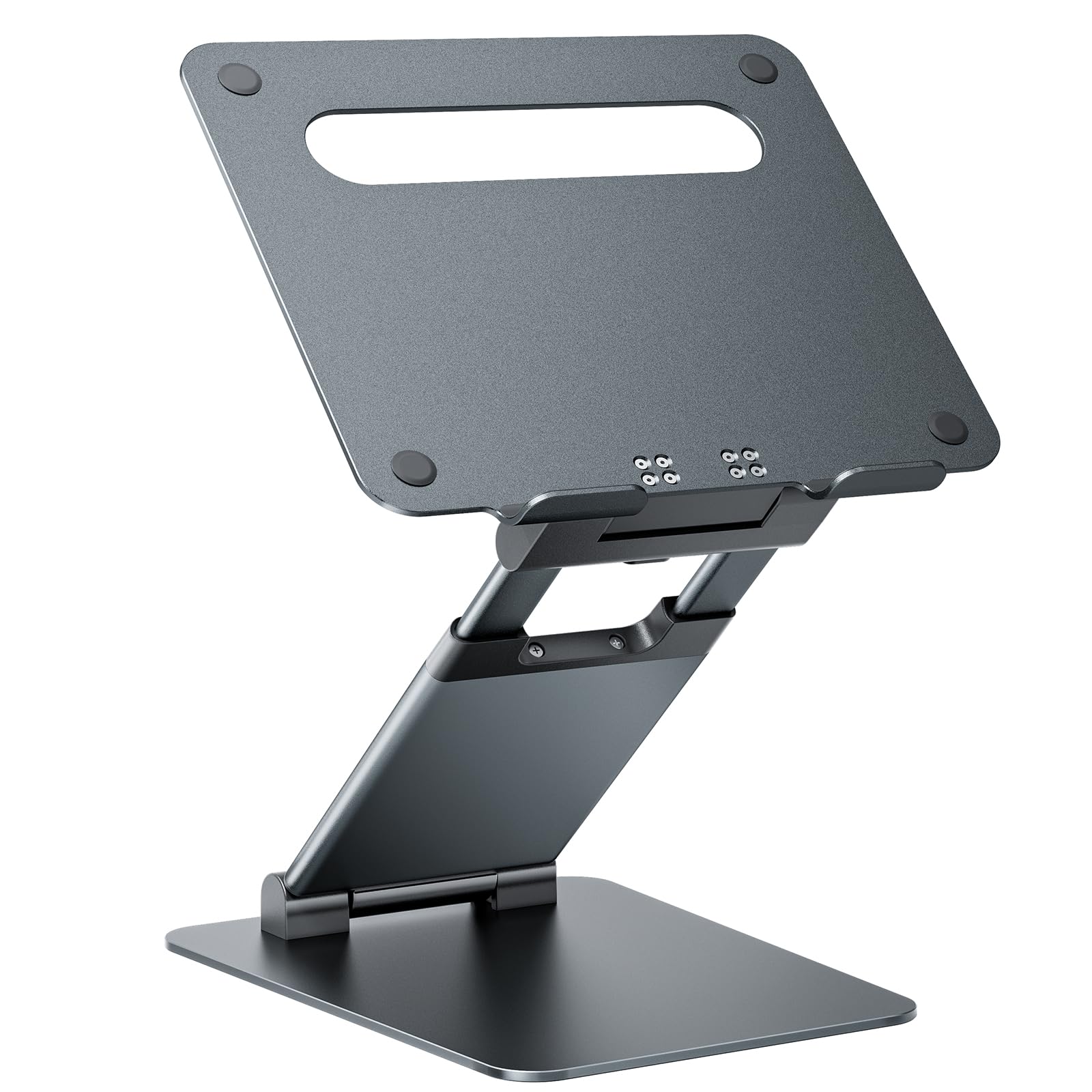
- Adjusts laptop height from 1.2 to 20 inches.
- Supports laptops weighing up to 22 pounds.
- Folds for compact storage and portability.
Best Gift For: A laptop user who wants to switch between sitting and standing at a desk.
SABRENT USB-C and USB-A SD Card Reader
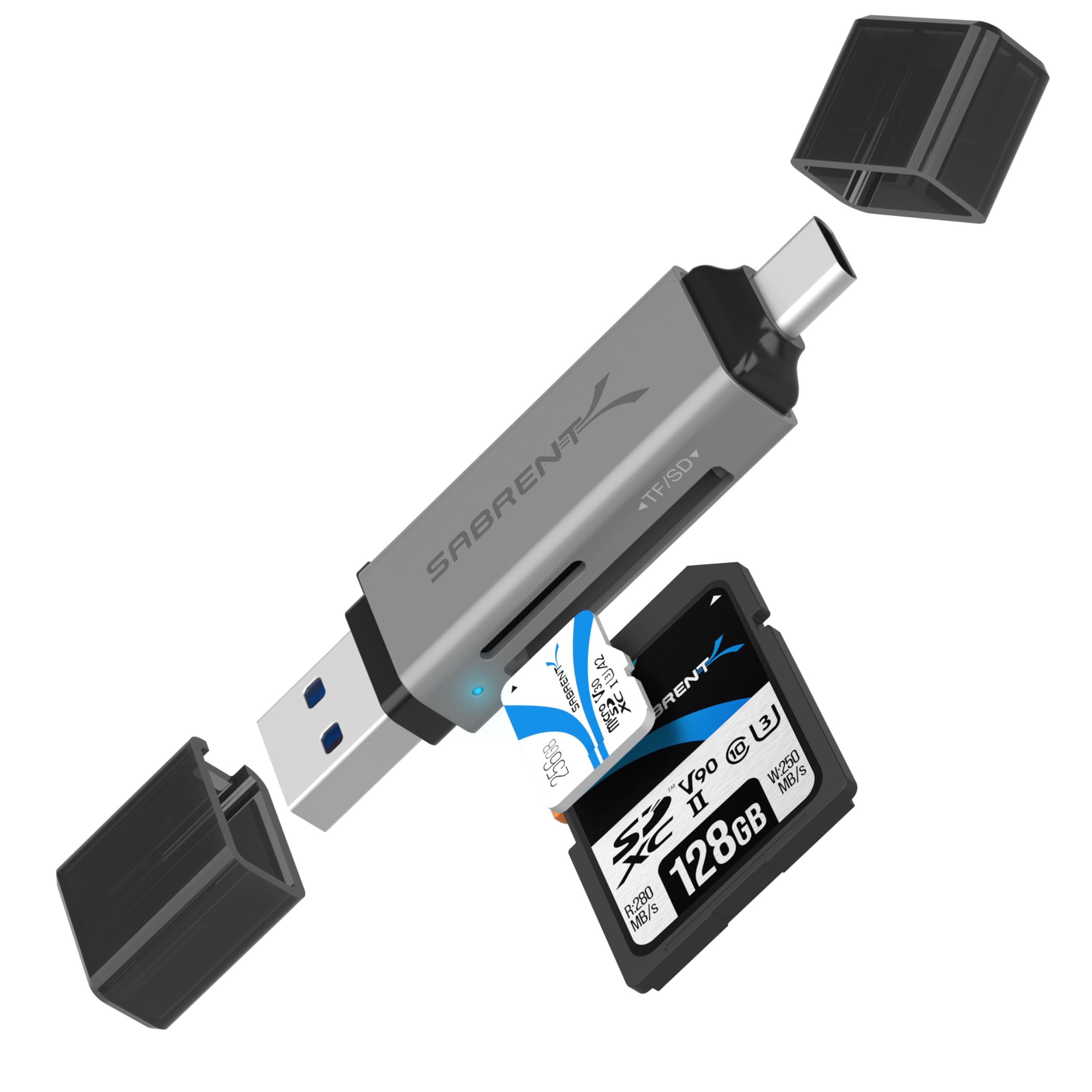
- Has USB-C and USB-A connections.
- Reads SD and Micro SD cards.
- Uses plug-and-play setup without drivers.
Best Gift For: A programmer who transfers files from memory cards to a laptop or supported Android device.
TP-Link Archer AXE75 Tri-Band WiFi 6E Router
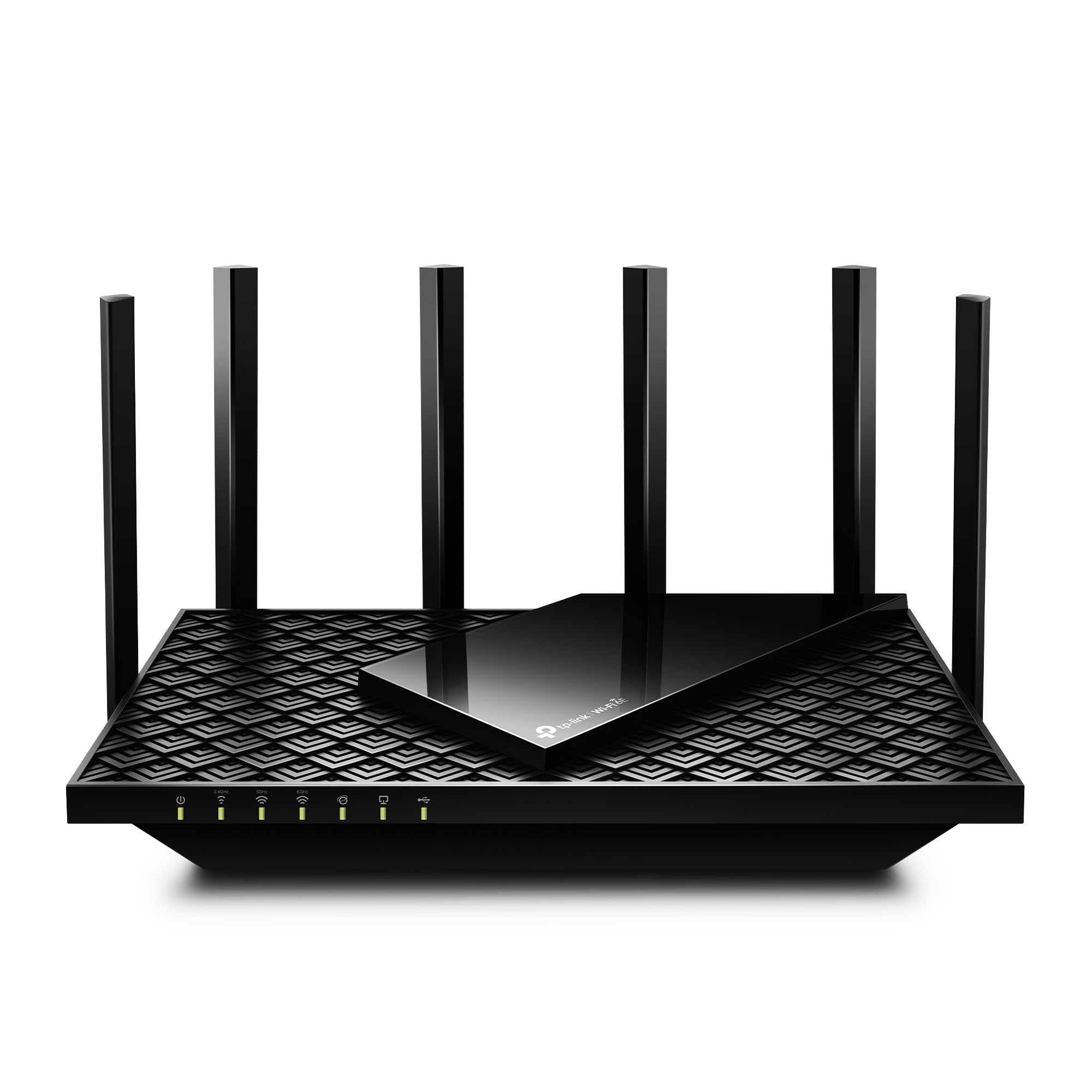
- Supports WiFi 6E tri-band networking.
- Includes a 6 GHz band for gaming and video calls.
- Can form a OneMesh network with a compatible extender.
Best Gift For: A programmer seeking a router for a home network shared by work, streaming, and gaming devices.
SteelSeries Arctis Nova Pro Wireless Gaming Headset
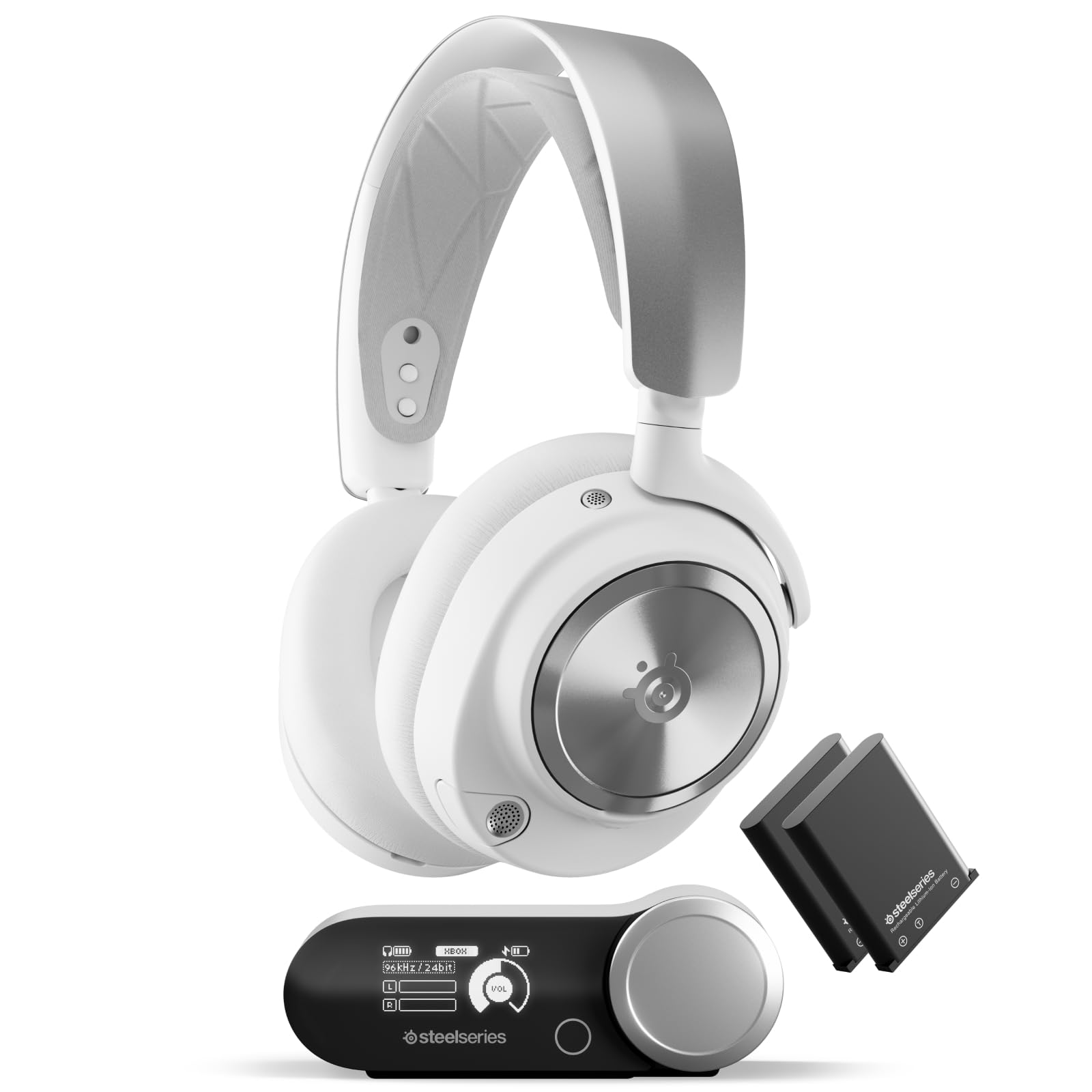
- Connects two systems at once and lets you toggle between them.
- Includes two hot-swappable batteries.
- Bluetooth can mix mobile calls or music with game audio.
Best Gift For: A programmer who games across supported systems and wants a headset for calls and audio.
SABRENT USB-C 6-Port Hub and M.2 SSD Dock
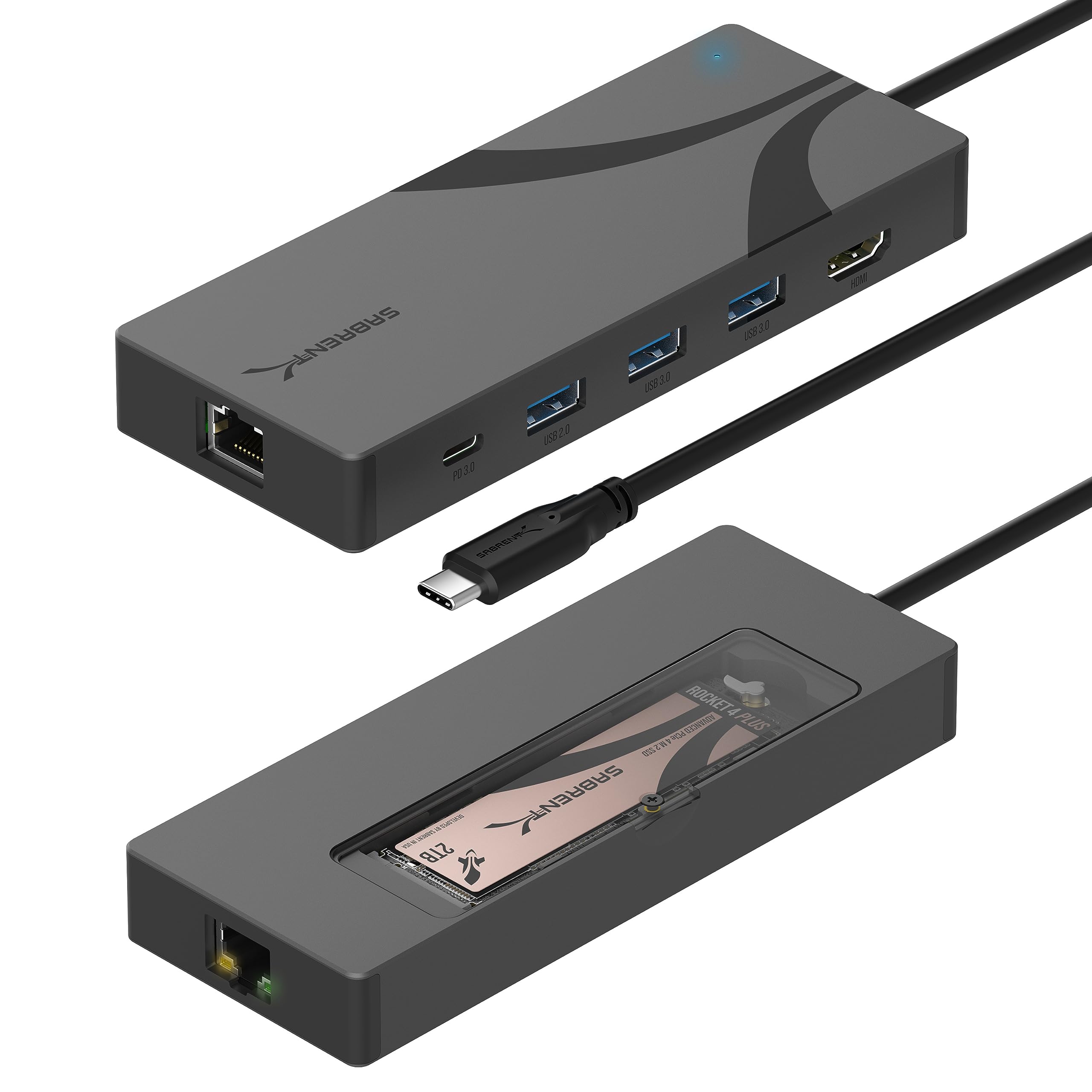
- Includes three USB Type-A ports.
- Supports an external display through HDMI 2.0.
- Has an internal M.2 slot for SATA or NVMe SSDs.
Best Gift For: A laptop user who wants a single hub for peripherals, an external display, and added storage.
SteelSeries Apex Pro TKL HyperMagnetic Keyboard
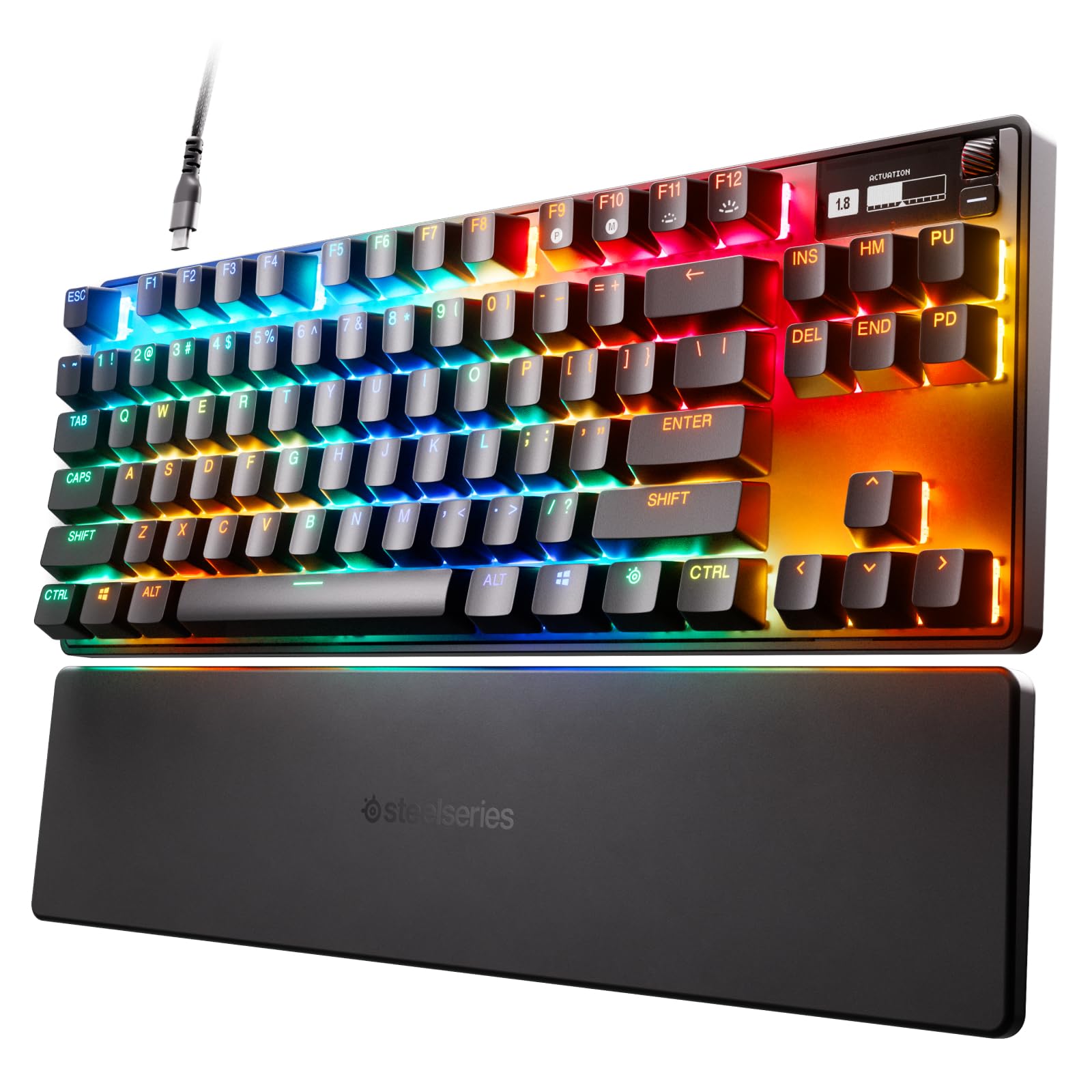
- Offers adjustable actuation with per-key settings.
- Allows two actions to be assigned to the same key.
- Has a detachable USB-C connection.
Best Gift For: A programmer who enjoys customizing keyboard response or also plays PC games.
SteelSeries Aerox 3 Wireless Gaming Mouse
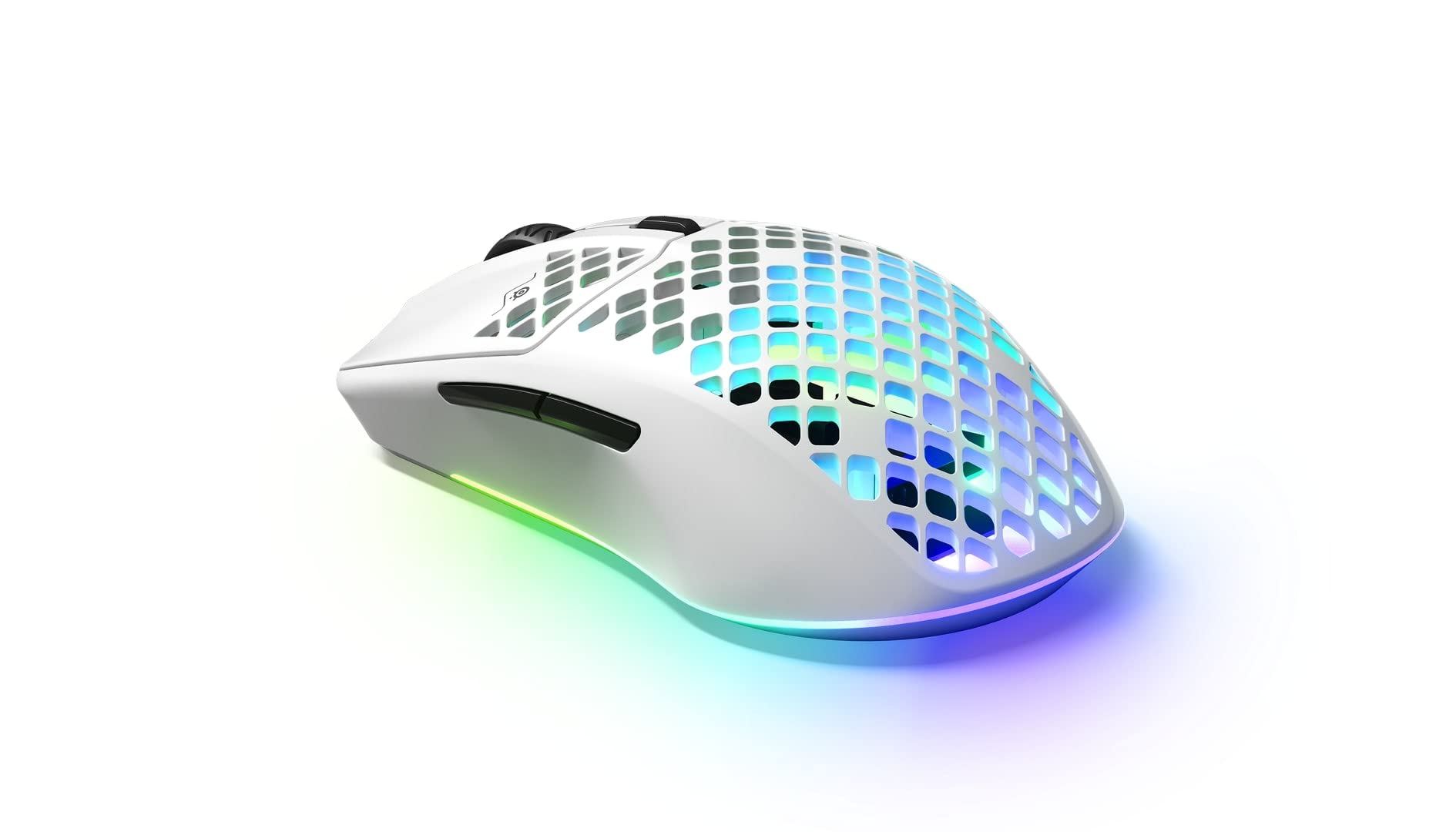
- Connects over 2.4 GHz wireless or Bluetooth 5.0.
- Its shell weighs 68 grams.
- Has a 200-hour battery life.
Best Gift For: A programmer who also enjoys PC gaming and wants a wireless mouse for play.
Audioengine A2+ Wireless Computer Speakers
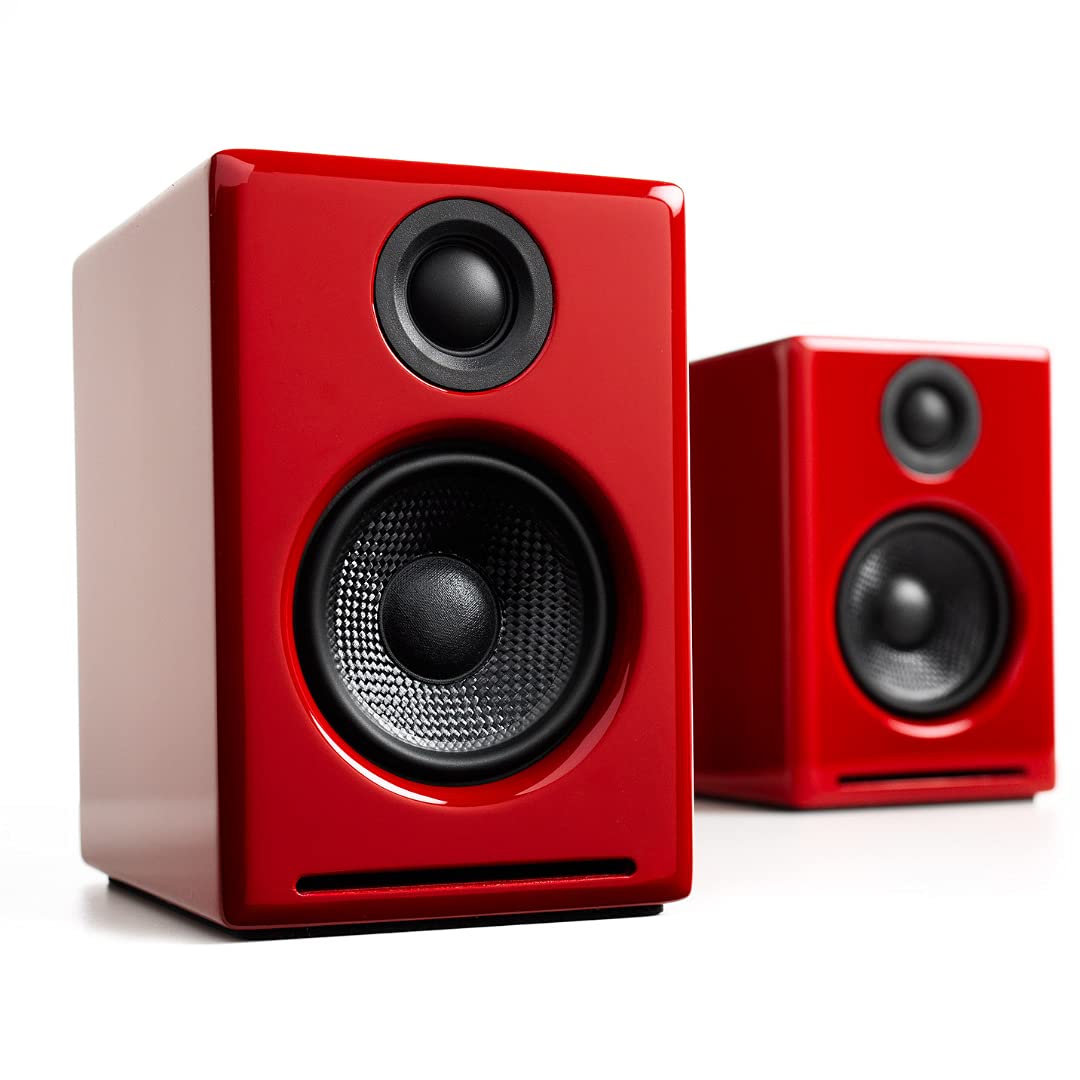
- Supports wireless Bluetooth streaming from phones, tablets, and computers.
- Connects to a computer through USB-C.
- Uses real wood cabinets.
Best Gift For: A programmer who enjoys music, podcasts, or video calls at a home-office desk.
1. Match gifts for programmers to their workday
Start by picturing how the recipient actually spends time at the computer. Someone who works mostly on a laptop may appreciate a workspace adjustment or a way to connect more devices; someone who records or joins frequent calls may get more use from an audio-focused choice.
Gifts for programmers are most successful when they address a real routine rather than a stereotype.
Consider where they work, too. A compact home desk, a shared office, and a flexible work setup each call for different kinds of gear.
If you can, notice which devices they use and what already occupies the desk before choosing something that needs room or a particular connection.
When you are unsure, choose a gift that supports an activity they already enjoy. A useful work accessory can feel thoughtful, while gaming or listening gear makes sense when those interests are clear.
A brief conversation with someone close to them can help identify what would fit without giving away the surprise.
2. Balance the budget with usefulness
Set a comfortable spending range before comparing options. Within that range, think about how often the recipient would use the gift and whether it solves a small recurring annoyance.
A modest accessory that fits their setup can be more welcome than an ambitious upgrade that requires extra purchases or a major change to their workspace.
Higher-cost electronics deserve a little more planning. Before settling on a router, headset, or speaker system, consider whether the recipient has the compatible devices and connections to use it.
Check current product details and compatibility, and make sure the gift complements rather than duplicates gear they already own.
For gifts for programmers, judge value by fit and expected use, not by a long feature list. If a product depends on a certain port, monitor size, or desk arrangement, verify those details first.
When you cannot confirm a match, pick an option with a clear, familiar use or ask a trusted friend to check discreetly.
3. Personalize the presentation
A simple note can connect practical gear to the recipient’s interests. For gifts for programmers, mention the specific routine you had in mind: a tidier desk, enjoyable breaks with music, or a more comfortable way to work.
That small detail makes the choice feel personal without suggesting the person needs to change their habits.
Presentation can also make a technical gift feel less like office equipment. Pair it with a handwritten card, or wrap it with a small treat the recipient enjoys.
If the item needs setup, offer to help only if they would welcome that; some people prefer to configure new technology on their own.
For shared gifts, coordinate early so two people do not choose the same kind of accessory. A colleague might know what would help at work, while a friend may know more about gaming or music preferences.
Keep any questions casual and avoid asking for private work details or access to devices.
4. Choose for the desk and the person
Think about the space around the recipient’s computer. A large desk accessory may be difficult to use in a compact setup, while a portable item could suit someone who moves between home and another workplace.
Check dimensions, mounting needs, and available connections before buying anything that must fit a precise arrangement.
Compatibility matters especially when the gift connects to a computer or network. Confirm the recipient’s device type, available ports, operating system support, and any display or mounting requirements using current product information.
Avoid assuming that two items will work together just because they belong to the same broad category.
Personal preferences matter as much as technical fit. Some people enjoy customizing their setup; others prefer a simple accessory that works with little adjustment.
If you cannot learn their preference, choose something that complements the way they already work, and include a gift receipt when that is practical.
5. Make the timing work
For a deadline or celebration, leave room to check current delivery estimates before placing an order. Availability and arrival dates can change, so choose a retailer and option that meet your own timeline.
If the timing feels uncertain, a printed note explaining the intended gift can preserve the occasion without promising a delivery date.
Last-minute shoppers can still make the choice feel considered. Focus on a familiar interest, check compatibility and current product details, then keep the wrapping straightforward.
A thoughtful card can explain why you picked it and give the recipient space to decide when they want to set it up.
If an exact match is difficult to confirm, consider a small accessory or a contribution toward a larger setup the recipient can choose themselves. That approach keeps the gift personal while leaving room for their preferences.
Whatever you choose, make the exchange easy and let them know you are happy to help with setup if they ask.