Tech gifts are most satisfying when they fit into the recipient’s everyday setup, whether that means a smoother gaming session, a tidier desk, or a way to print favorite photos.
These 16 ideas range from substantial entertainment upgrades to useful small accessories, with options for different interests and gifting occasions.
16 Gift Ideas for Tech Lovers
Valerion VisionMaster Pro2 Triple Laser Projector
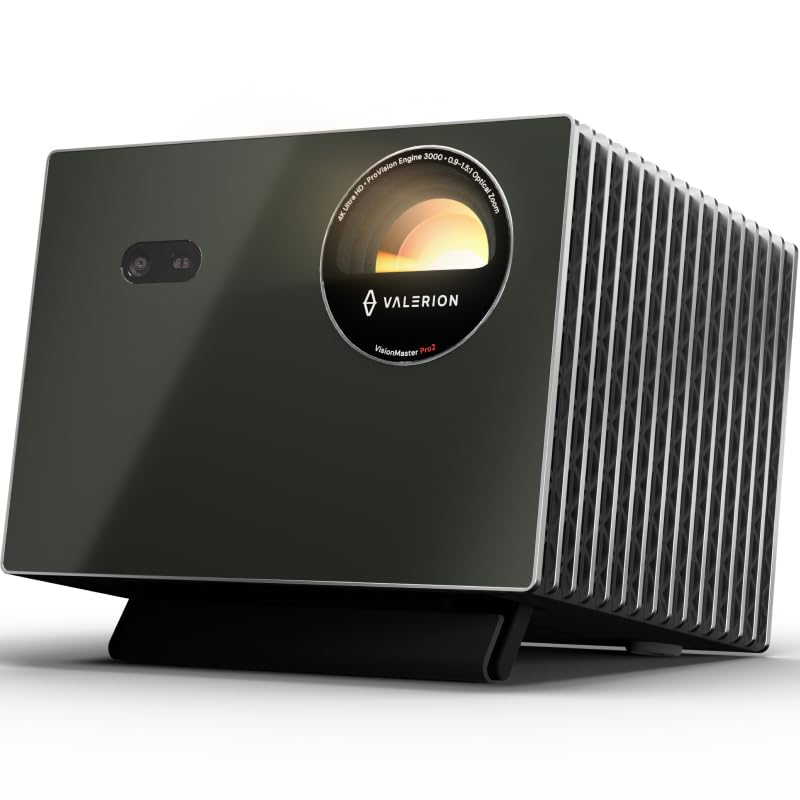
- Projects up to 300 inches for a big-screen setup.
- 4K UHD clarity enhanced by AI Super Resolution, with HDR10+ dynamic tone mapping.
- Built-in Google TV+ provides access to streaming platforms.
Best Gift For: A movie or gaming fan setting up a dedicated viewing space at home.

TP-Link BE6500 Dual-Band WiFi 7 Router (BE400)
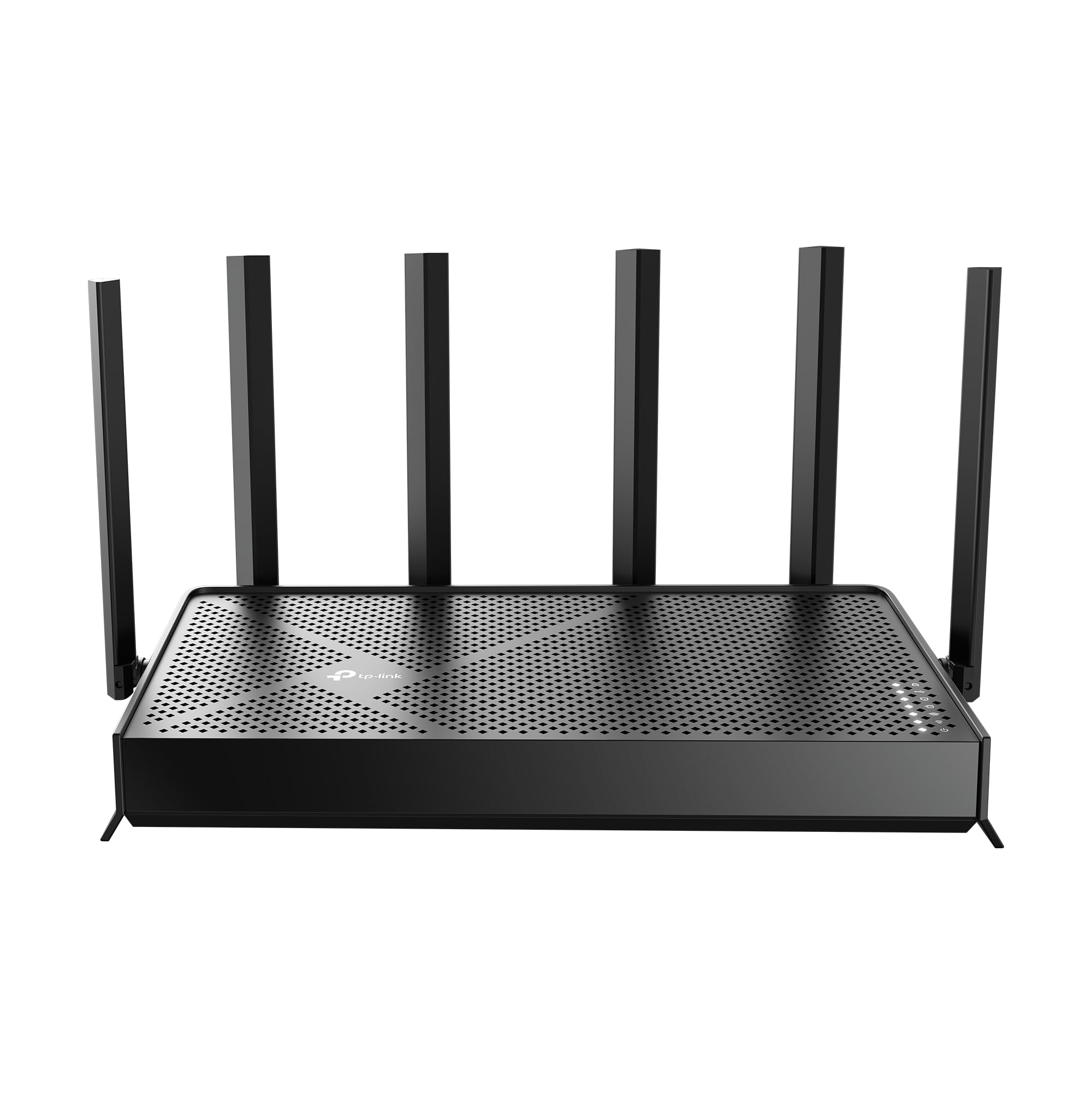
- Supports WiFi 7 features including Multi-Link Operation.
- Offers coverage for up to 90 devices.
- Tether app or web interface can manage network settings.
Best Gift For: A household with many connected devices and compatible WiFi 7 gear.
SteelSeries Apex Pro Full-Size Wired Keyboard
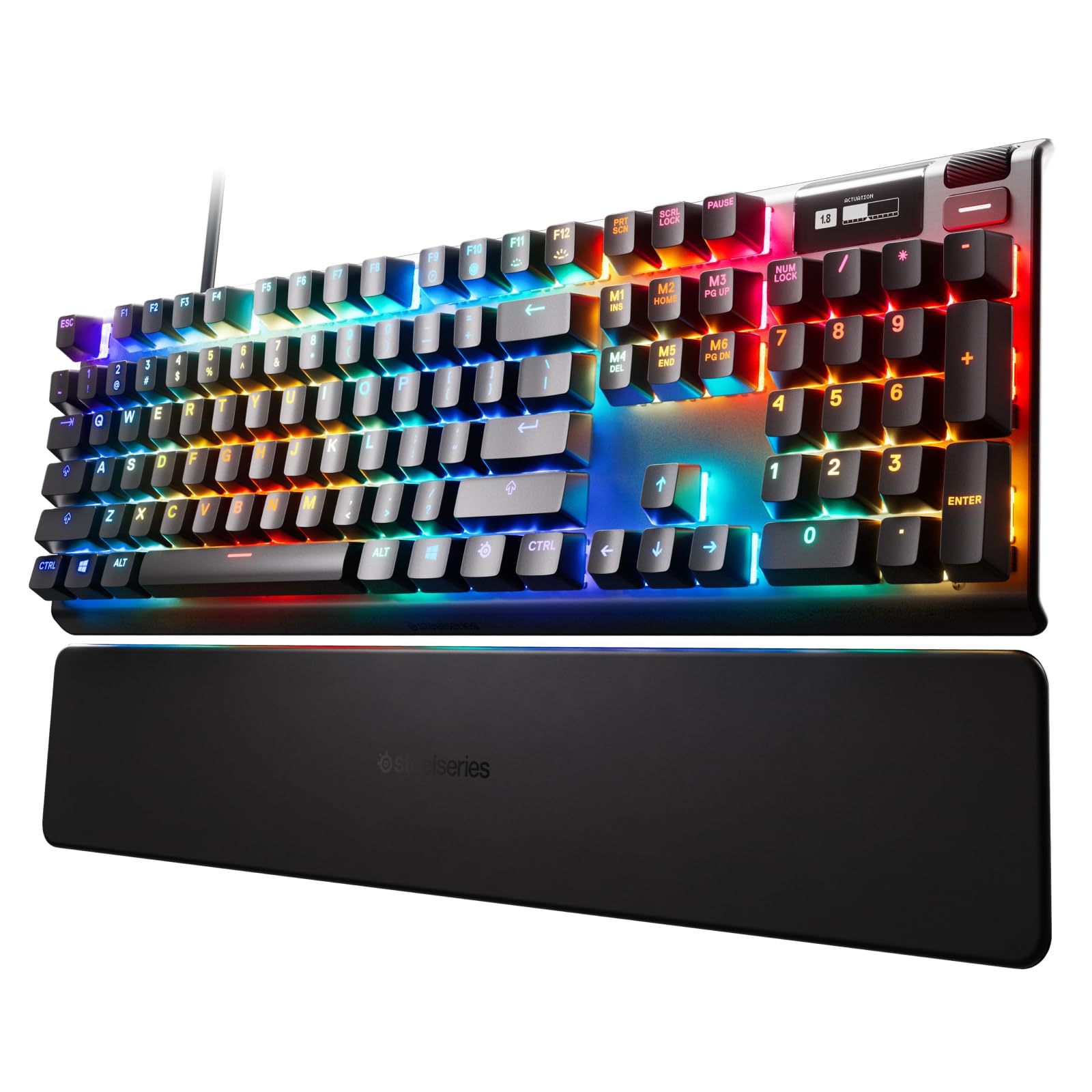
- Offers 40 levels of per-key actuation.
- OLED display shows information from games and apps.
- USB passthrough connects an additional USB-powered device.
Best Gift For: A PC gamer who wants to customize key response and media controls.
FIFINE T669 USB Microphone Kit
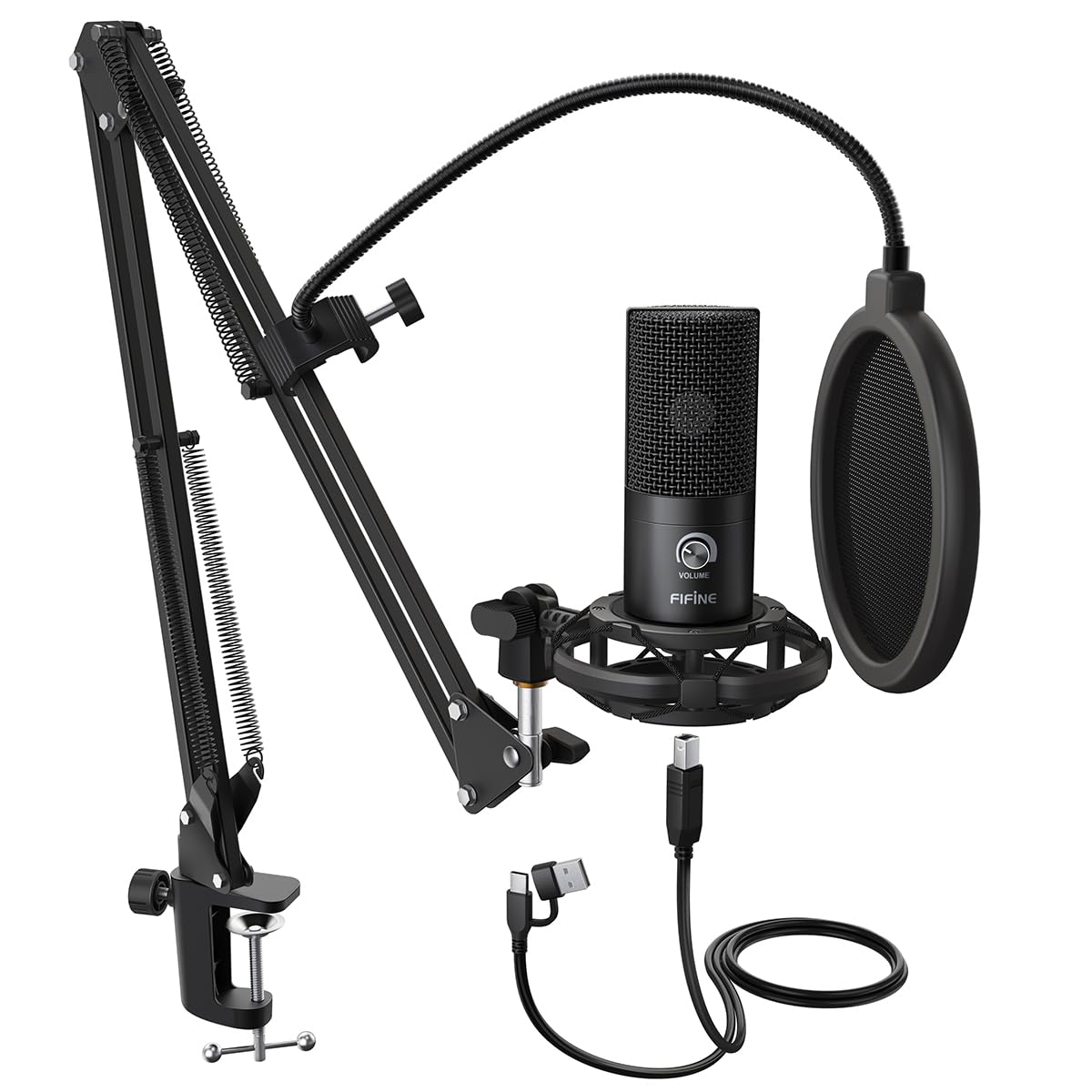
- Connects to PC and laptop by USB without extra hardware or drivers.
- Includes a boom arm stand and USB cable.
- A double pop filter helps minimize popping sounds.
Best Gift For: A podcaster, streamer, or voice-over creator building a desk setup.
Audioengine A2+ Wireless Computer Speakers
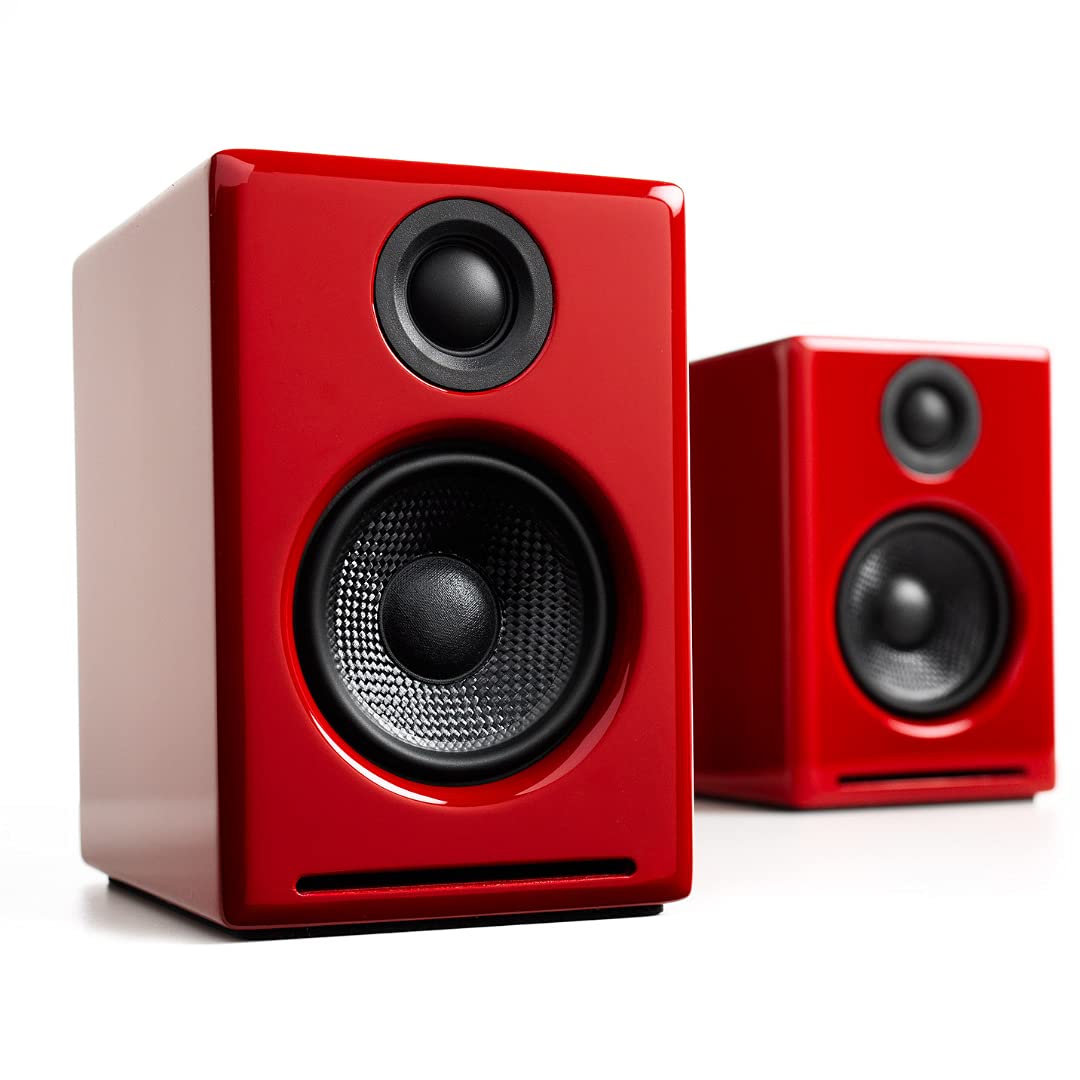
- Bluetooth 5.3 aptX-HD supports wireless streaming.
- USB-C, RCA, and 3.5mm AUX provide wired connection options.
- Real wood cabinets are hand-finished.
Best Gift For: Someone who listens to music, podcasts, or movies at a desk.
Nulaxy 18-Inch Rotating Aluminum Laptop Stand
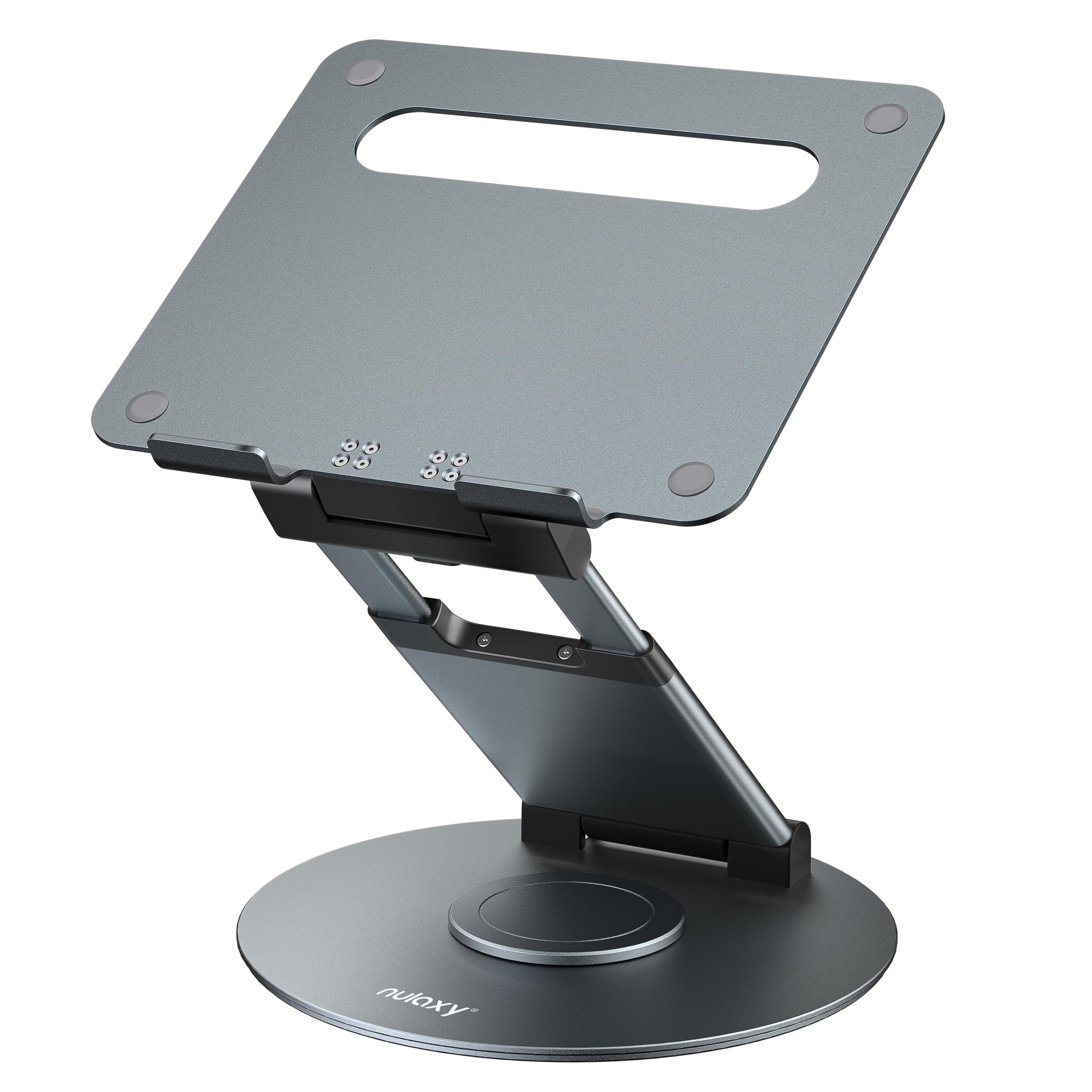
- Rotates to make screen sharing easier.
- Height adjusts up to 18 inches.
- Fits laptops, notebooks, and tablets up to 17 inches.
Best Gift For: A laptop user who alternates between sitting, standing, or sharing a screen.
SteelSeries Aerox 3 Wireless Gaming Mouse
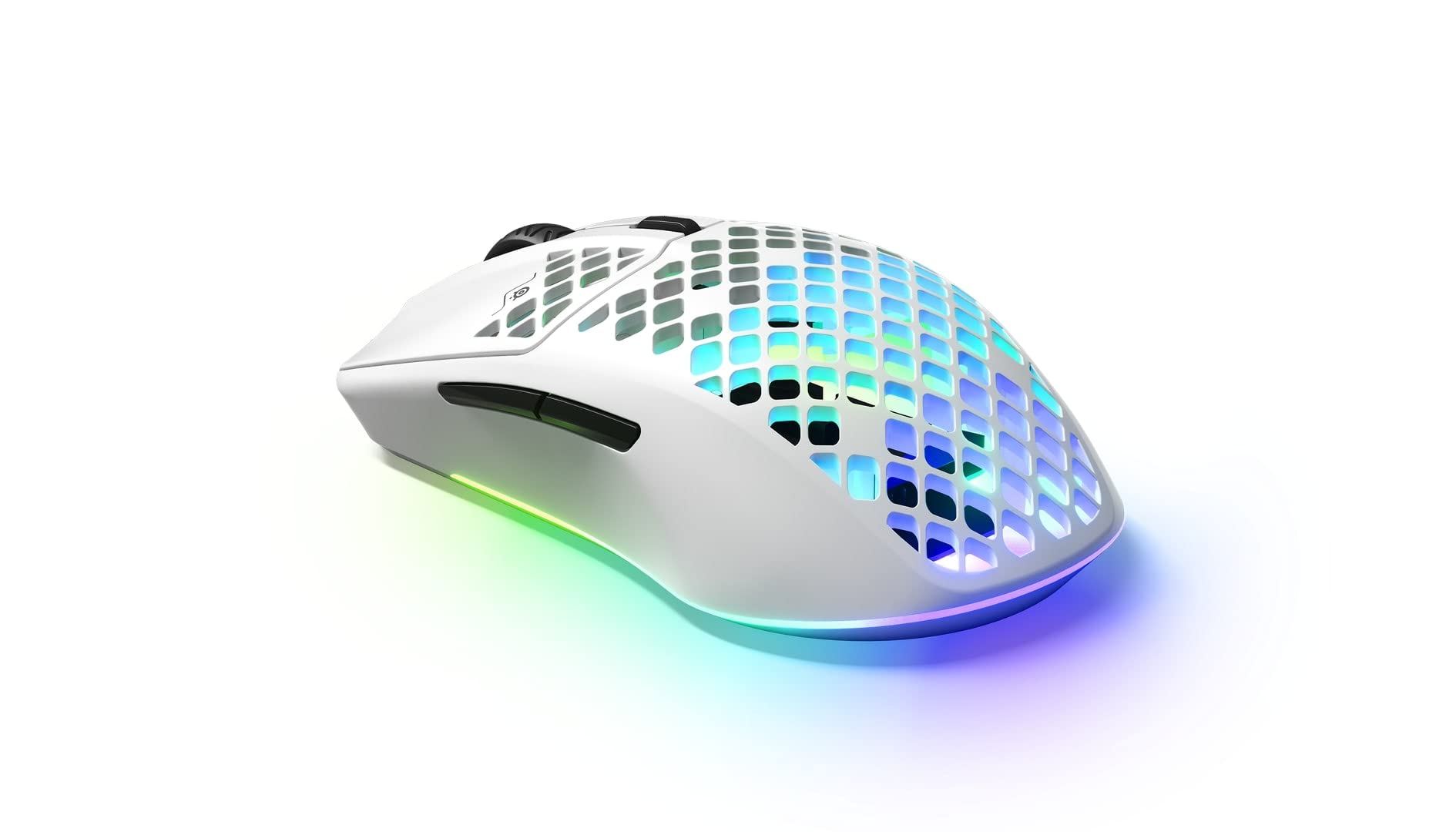
- Three-zone PrismSync RGB offers configurable colors.
- The holey shell weighs 68 grams.
- Connects using 2.4GHz wireless or Bluetooth 5.0.
Best Gift For: A PC gamer looking for a wireless mouse with configurable lighting.
SHOKZ OpenFit Open-Ear Bluetooth Earbuds
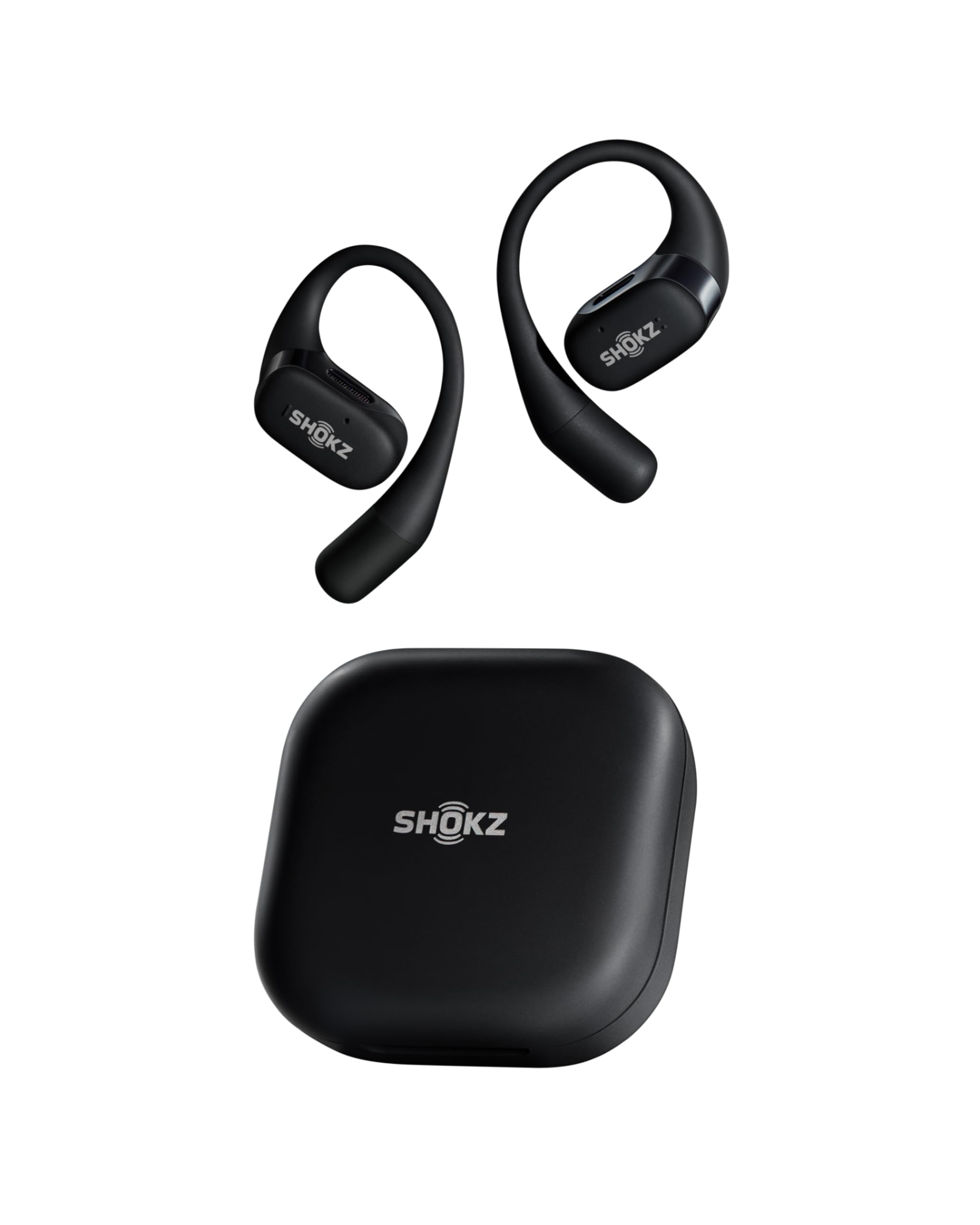
- Open-ear design with an ultra-soft silicone cushion.
- Ear hooks are designed for a flexible, secure grip.
- Charging case provides up to 28 hours of listening.
Best Gift For: An audiobook or audio listener who prefers an open-ear fit during a commute or workout.
MAONO Wave T5 Mini Wireless Lavalier Microphone
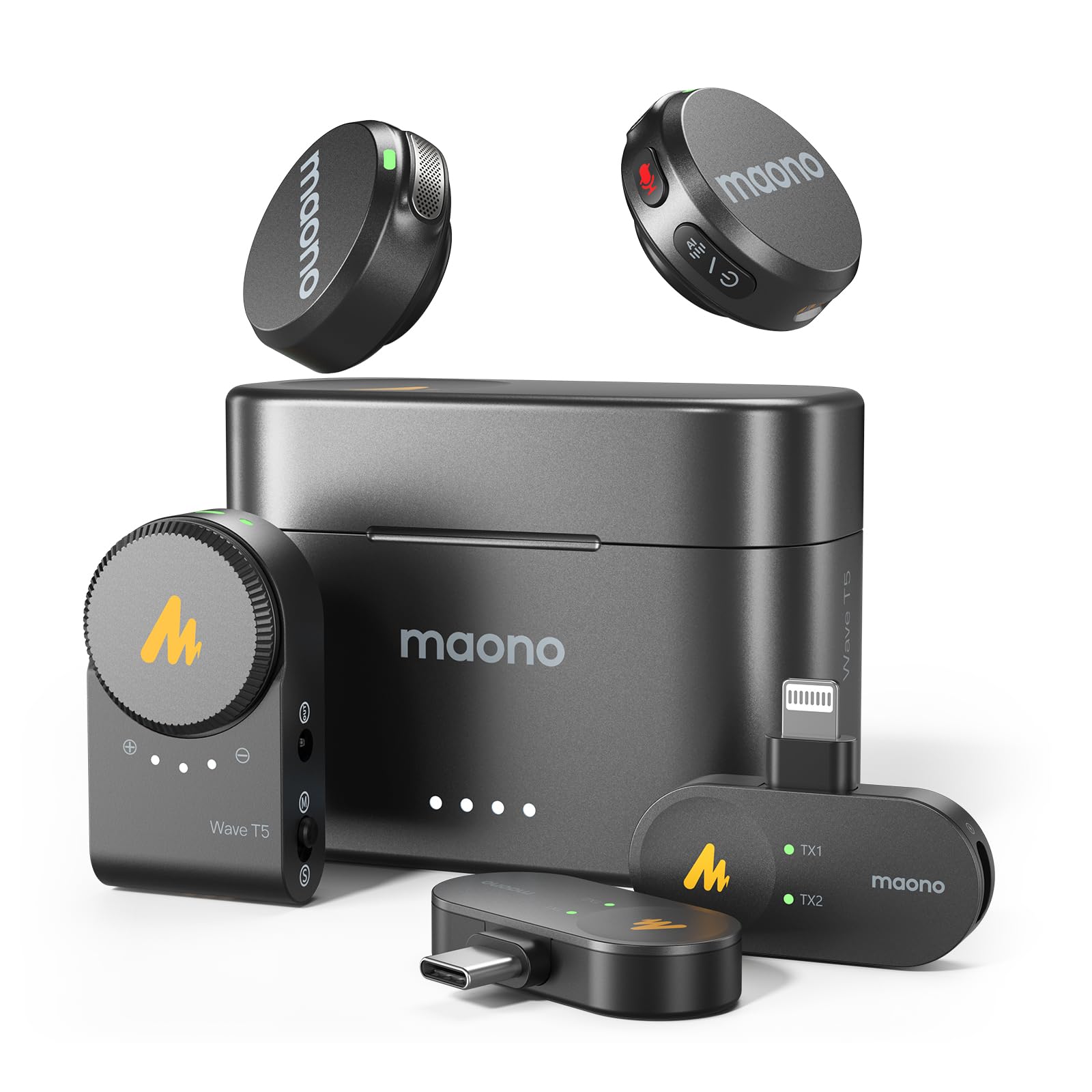
- Offers 48kHz/24-bit recording.
- Four one-tap voice filters provide sound presets.
- Charging case provides 40 hours of total use.
Best Gift For: A vlogger, interviewer, or podcaster who records on location.
SABRENT USB-C 6-Port Hub and M.2 SSD Dock
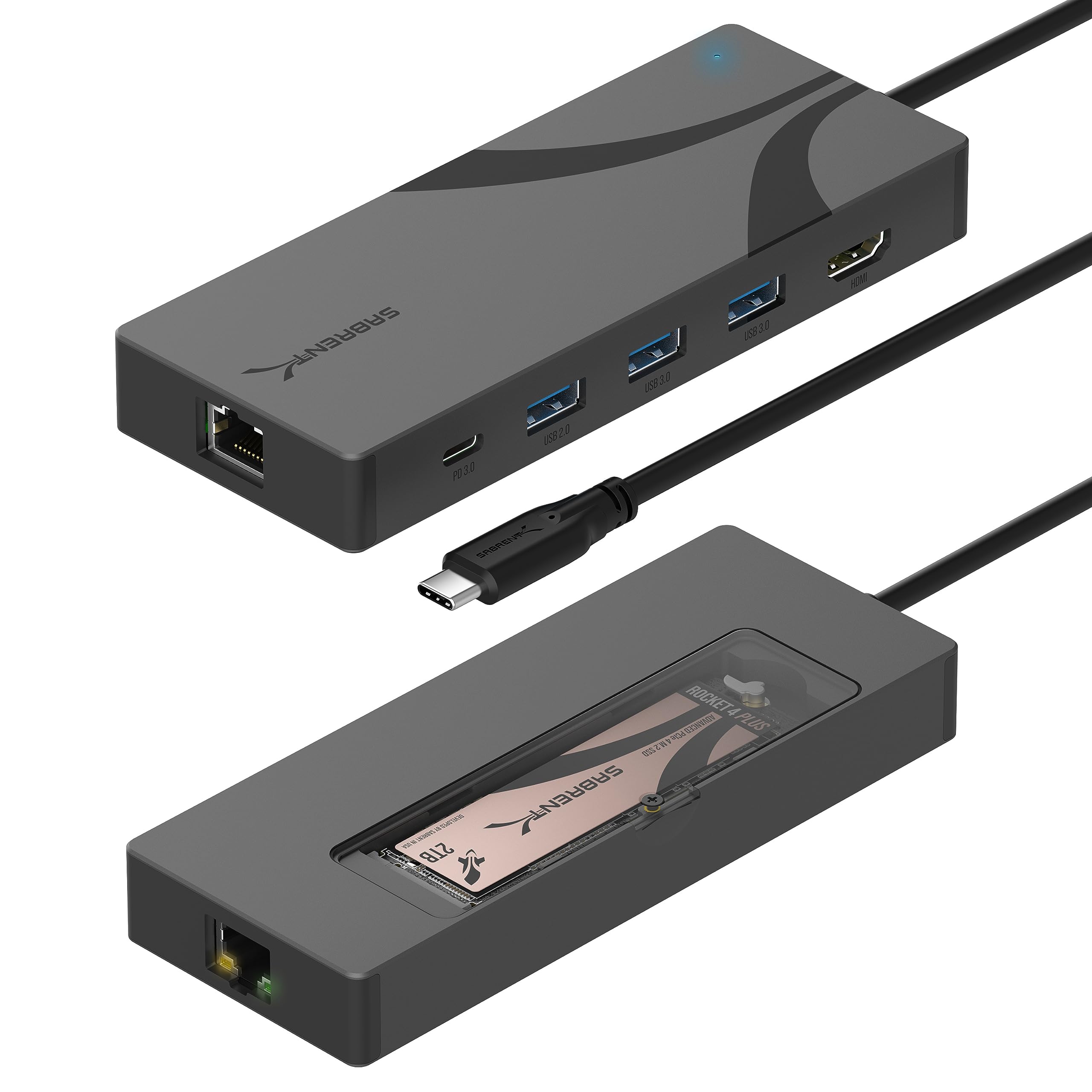
- Includes an M.2 slot that supports M.2 SATA or NVMe SSDs.
- Provides up to 90W bypass charging power delivery.
- HDMI supports an external display up to 4K at 60Hz on DisplayPort Alternate Mode compliant devices.
Best Gift For: A laptop or Steam Deck user who wants a compact hub for storage, display, and networking.
HUANUO FlowLift Dual Monitor Desk Mount
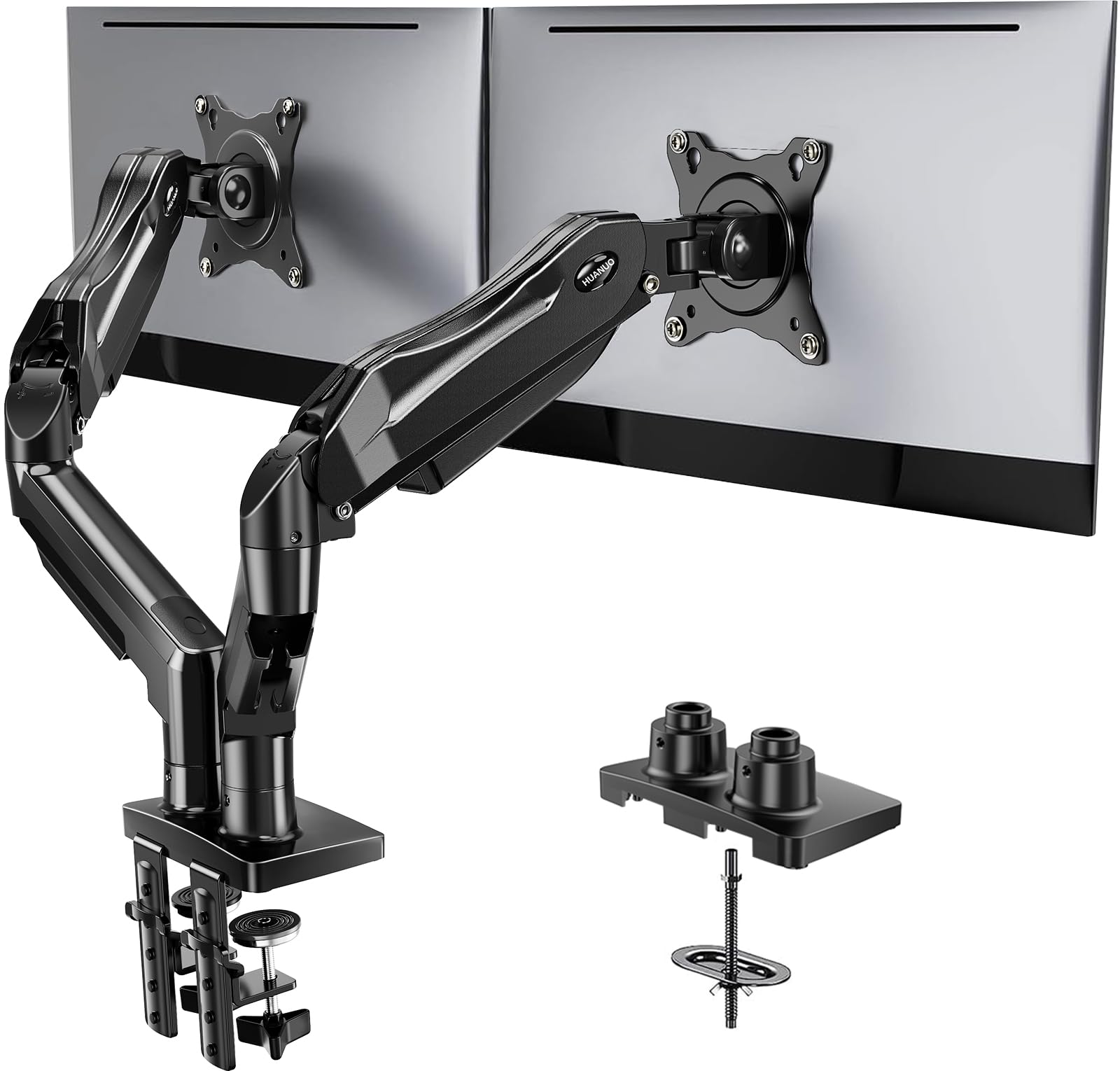
- Fits screens from 13 to 32 inches that weigh 4.4 to 19.8 pounds and have 75x75mm or 100x100mm VESA mounting holes.
- Supports tilt, swivel, and full rotation adjustments.
- Built-in cable management guides wires along the arms.
Best Gift For: A home worker or gamer with two compatible monitors and a suitable desk.
BESTEK PD20W Power Strip Tower
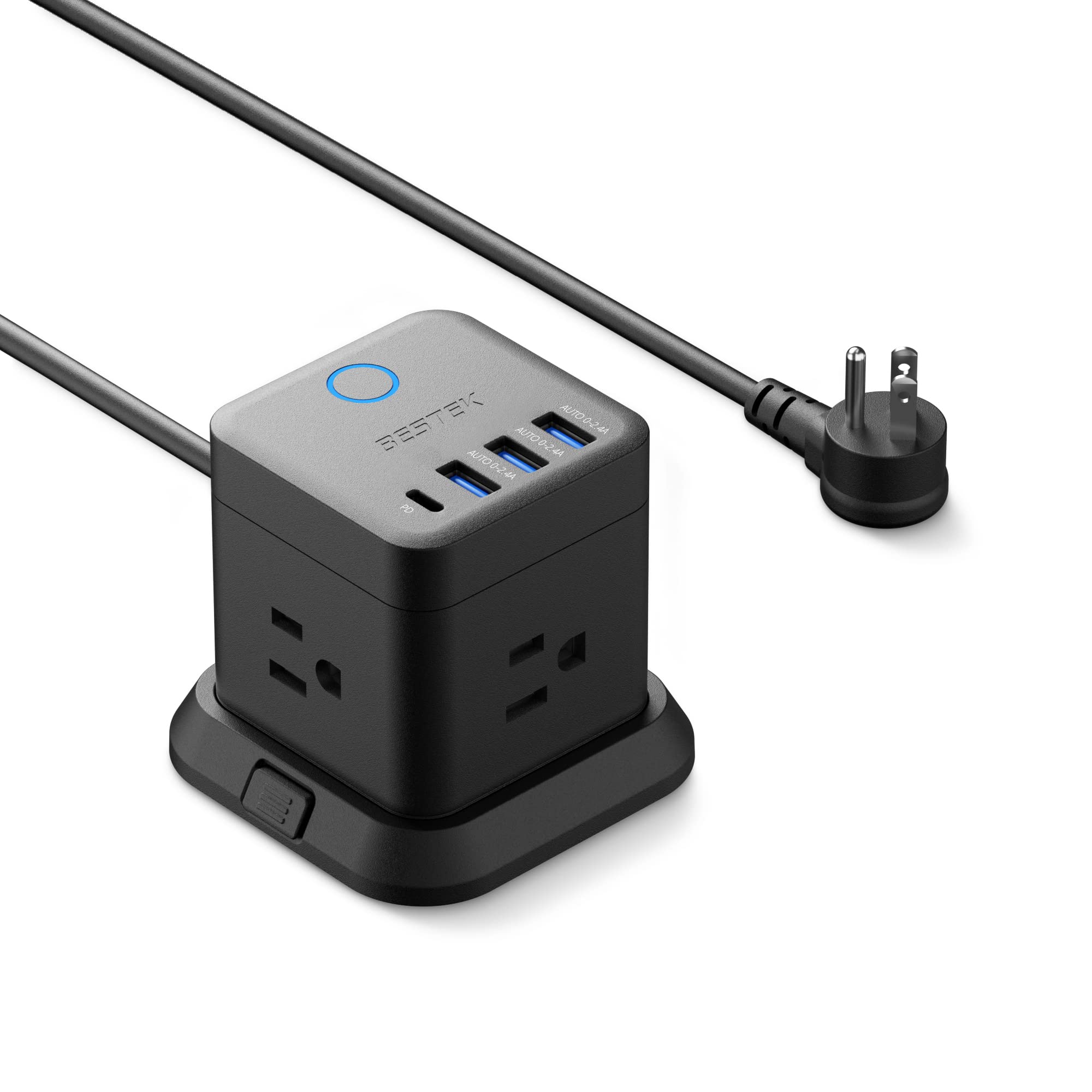
- Has three outlets, three USB-A ports, and one USB-C PD port.
- Can be mounted on desks, under tables, or on walls.
- A 45-degree flat plug is designed to fit narrow spaces.
Best Gift For: Someone who wants a compact charging hub for a desk, bedside table, or living room.
LISEN 10,000mAh MagSafe Power Bank
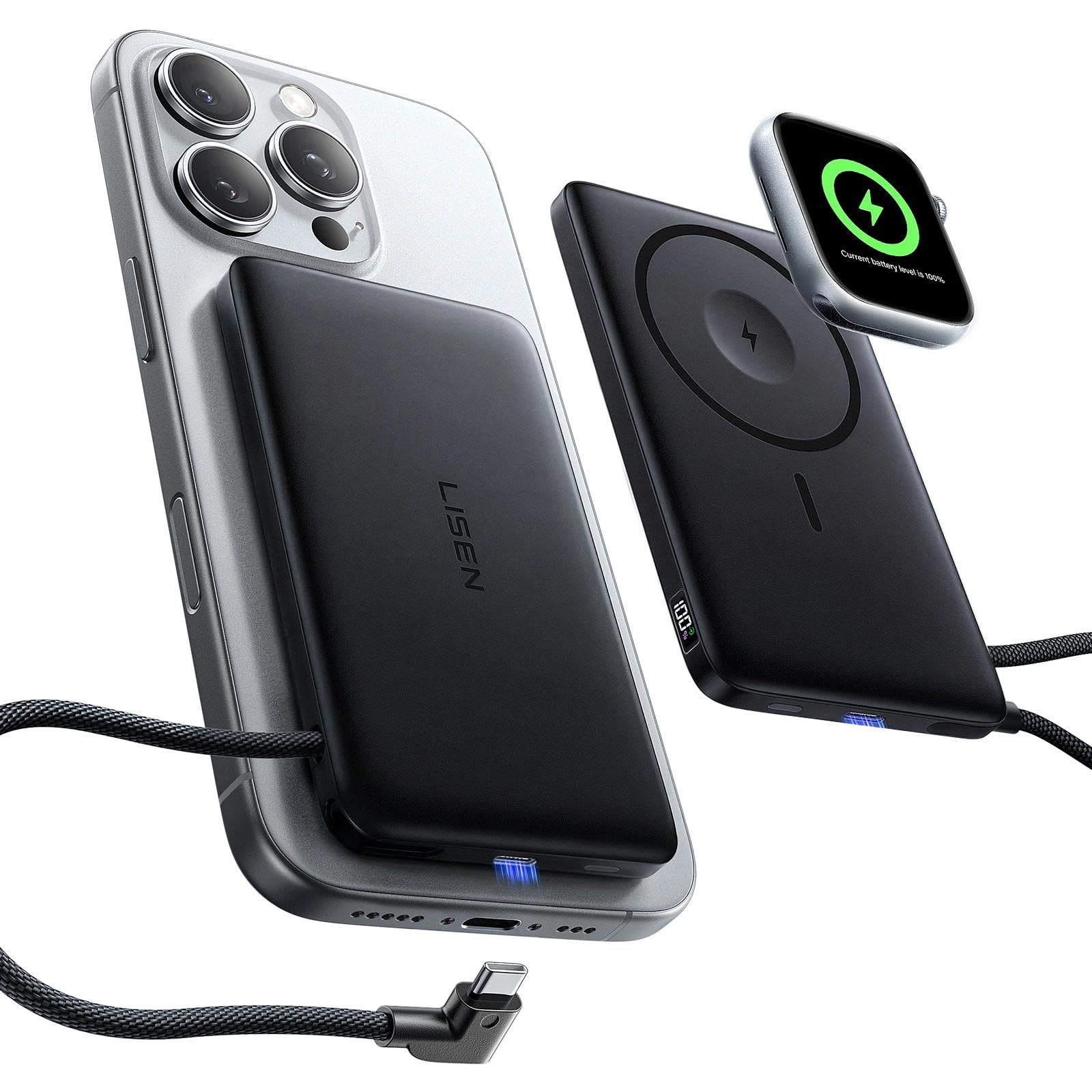
- Supports MagSafe and Apple Watch charging.
- Built-in USB-C cable supports 20W fast charging.
- Digital display shows the power bank’s remaining charge and charging status.
Best Gift For: An iPhone and Apple Watch owner who wants portable charging options.
Phomemo D30 Bluetooth Label Maker with 3 Tapes
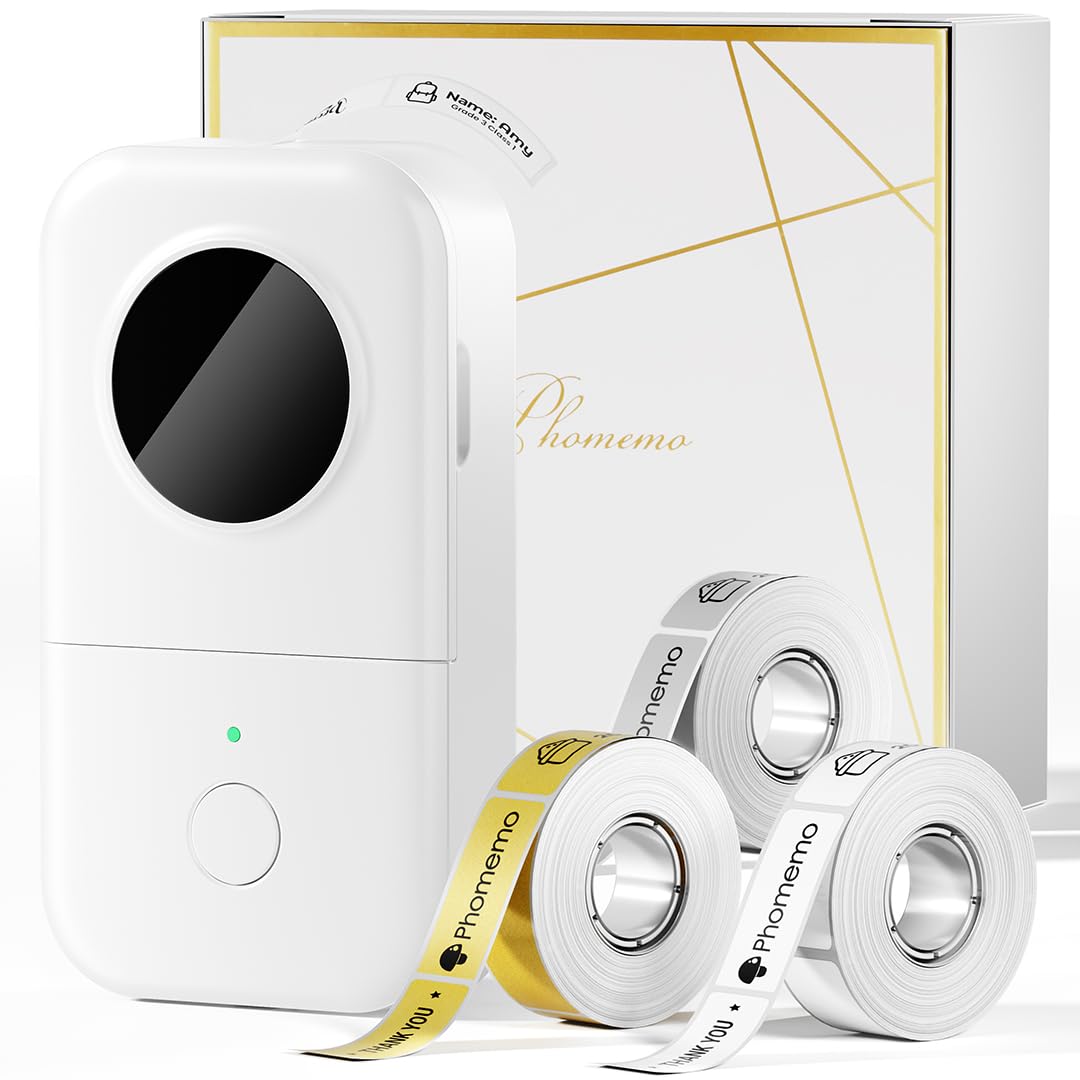
- Includes white, gold, and clear tapes.
- Thermal printing works without ink, toner, or ribbons.
- Prints from mobile devices over Bluetooth.
Best Gift For: A home-office organizer or small-business owner who labels supplies and files.
HP Sprocket Select 2.3 x 3.4 Instant Photo Printer
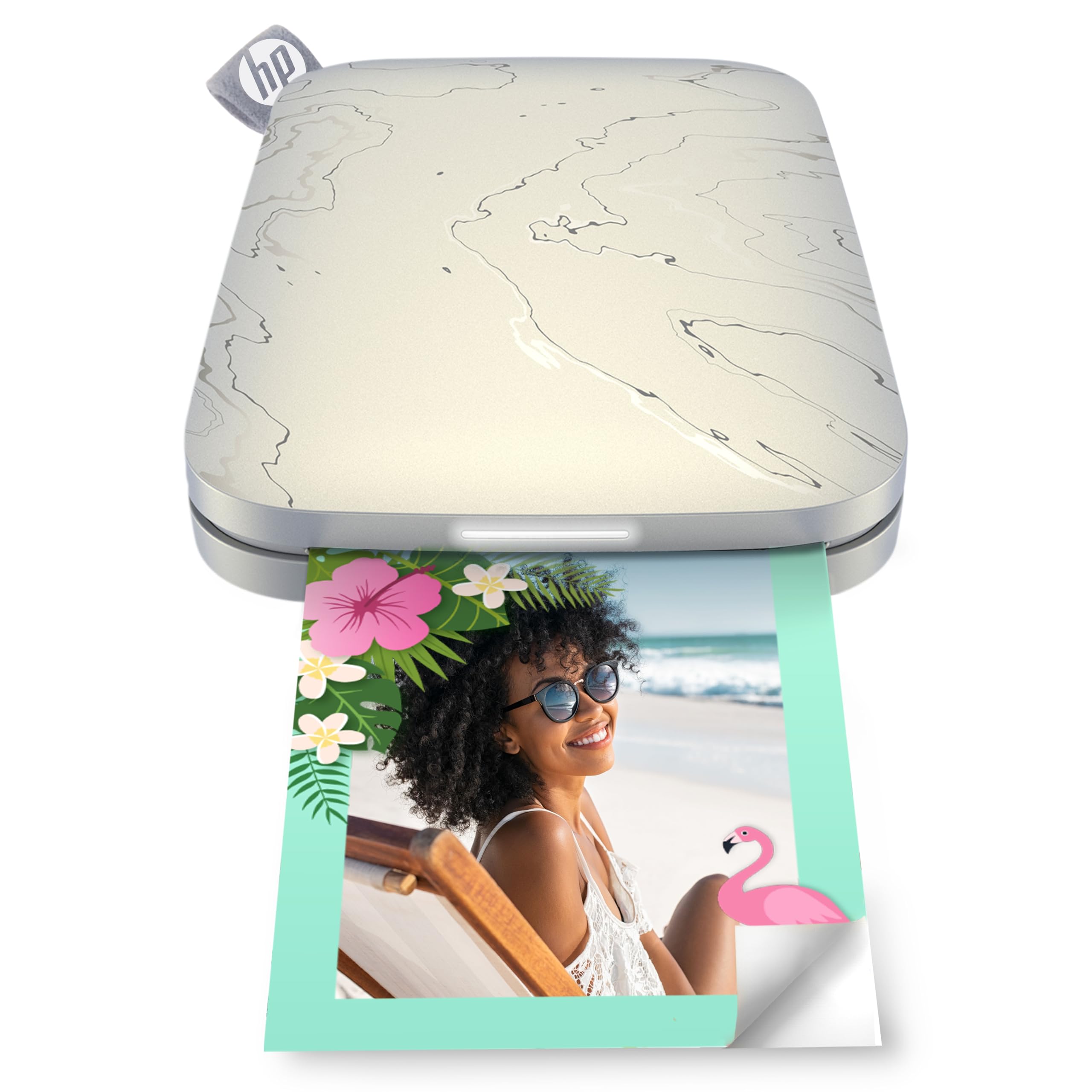
- Prints from iOS and Android devices over Bluetooth 5.1.
- ZINK paper has water, smudge, and tear resistance.
- The HP app includes editing tools and filters.
Best Gift For: A photo lover who enjoys printing smartphone pictures for keepsakes or sharing.
SABRENT USB-C and USB-A SD Card Reader
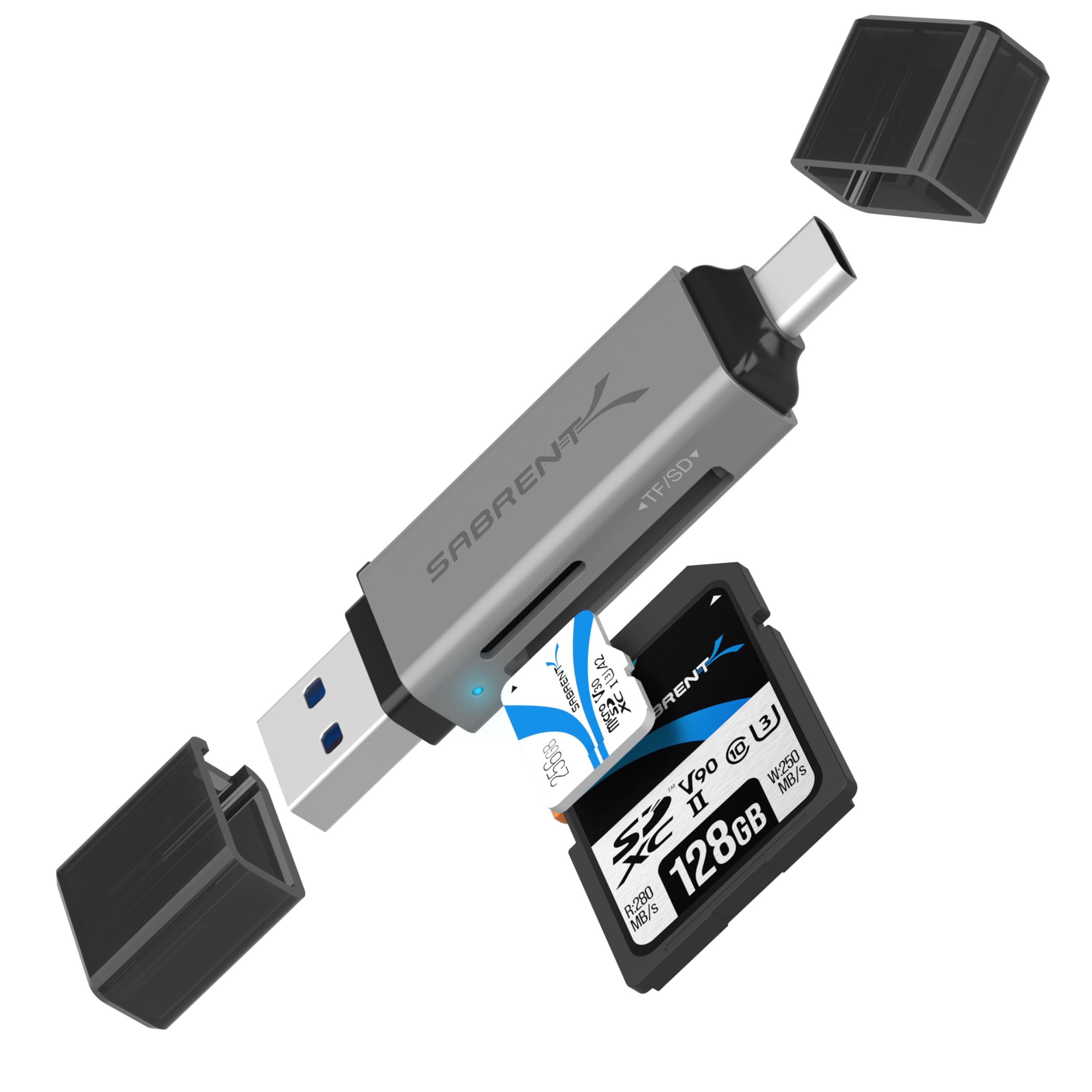
- Includes USB-C and USB-A connections.
- Dual slots read SD and Micro SD cards.
- USB 3.0 transfers data at up to 5Gbps.
Best Gift For: A camera owner who transfers photos to a laptop, PC, or supported Android device.
1. Match gifts for tech lovers to everyday routines
Start with the recipient’s daily habits. Someone who spends evenings gaming may appreciate a more tailored control or a clearer desk audio setup, while a person who records video might use a microphone that travels easily.
For gifts for tech lovers, a good fit often begins with a familiar routine rather than a spec sheet.
Notice what they already own before choosing a device that connects to it. A laptop user may need more ports, a phone photographer may want an easy route to printed keepsakes, and someone with a crowded desk may prefer a small organization upgrade.
Ask a mutual friend if compatibility is uncertain.
Think about the space where the gift will be used. A big-screen entertainment upgrade suits a room with room to set it up, while portable accessories work for people who move between home, work, and travel.
A useful gift should make sense in the recipient’s actual routine and available space.
2. Balance the budget with the scale of the upgrade
The ideas here span small practical accessories through larger home entertainment and workstation purchases. Set a comfortable spending range first, then decide whether the occasion calls for a complete setup piece or a modest add-on that solves one everyday annoyance.
For a group gift, a larger shared purchase may be easier to personalize: friends can contribute toward a display or desk improvement and include a note about the shared experience it supports. For a casual exchange, a compact reader, charging accessory, or label maker can feel useful without making the moment overly formal.
Check actual prices before buying, since they can change. If a gift needs complementary gear or a particular setup, account for that in the overall budget.
A lower-cost accessory can be especially thoughtful when it neatly complements equipment the recipient already uses.
3. Personalize gifts for tech lovers with a practical note
A small personal detail can make gifts for tech lovers feel chosen for one person. Pair an audio accessory with a playlist, a photo printer with a few favorite images, or an organizing tool with a handwritten note about the clutter it can help tame.
Keep the gesture tied to the recipient’s interests.
For a shared household present, explain how everyone might use it: movie nights, clearer calls, or a more comfortable homework station. For a hobbyist, mention a project they have talked about starting.
The message should make the connection between the gift and their routine clear without turning the card into a technical explanation.
Presentation can be simple and still feel considered. Wrap a small device in a reusable pouch or box that suits the occasion, and include a short setup note if you know a helpful first step.
Avoid configuring accounts or pairing devices on the recipient’s behalf unless they have asked you to do so.
4. Make a thoughtful choice when details are uncertain
Before ordering, confirm what devices the recipient uses and whether they have a compatible port, operating system, or mounting setup when those details matter. For desk equipment, consider available space and furniture.
For connected accessories, check current compatibility details so a useful idea does not become a return or exchange.
If you cannot ask directly, choose something with a flexible role in the person’s routine or include a gift receipt where available. Avoid guessing about a highly specific setup based on a passing comment.
A quick question to someone close to them can clarify whether a small accessory or a bigger upgrade is more welcome.
Consider whether the present is ready to use on its own. Some gifts work best alongside existing devices, supplies, or installation space.
Where a recipient may need to choose compatible extras, mention that gently in the card and keep the purchase details easy to find.
5. Last-minute buying advice
For a late gift, favor an item whose purpose is easy to understand and whose setup needs you can verify. Check the seller’s current delivery estimate for the recipient’s address before placing the order, and leave time for gift wrapping or a note if you are sending it directly.
If the delivery window is uncertain, a printed card with a clear explanation of the intended gift can preserve the moment. You can give the card in person and confirm the product choice together, especially when compatibility, size, or installation details need a closer look.
Before checkout, review the selected model and any included accessories, then confirm the recipient’s device compatibility, dimensions, and delivery estimate using current information. A little attention to those practical details helps a useful tech gift arrive with expectations set and fewer surprises.