A useful upgrade can make a home workspace feel more comfortable and capable, whether someone spends the day in meetings, creates content, or runs a small online business.
These 10 home office tech gifts cover practical desk improvements, everyday connectivity, and tools for clearer audio and more organized work.
10 Home Office Tech Gift Ideas for Remote Workers and Small Business Owners
JLab Go Work Wireless Headset (1 Pack)
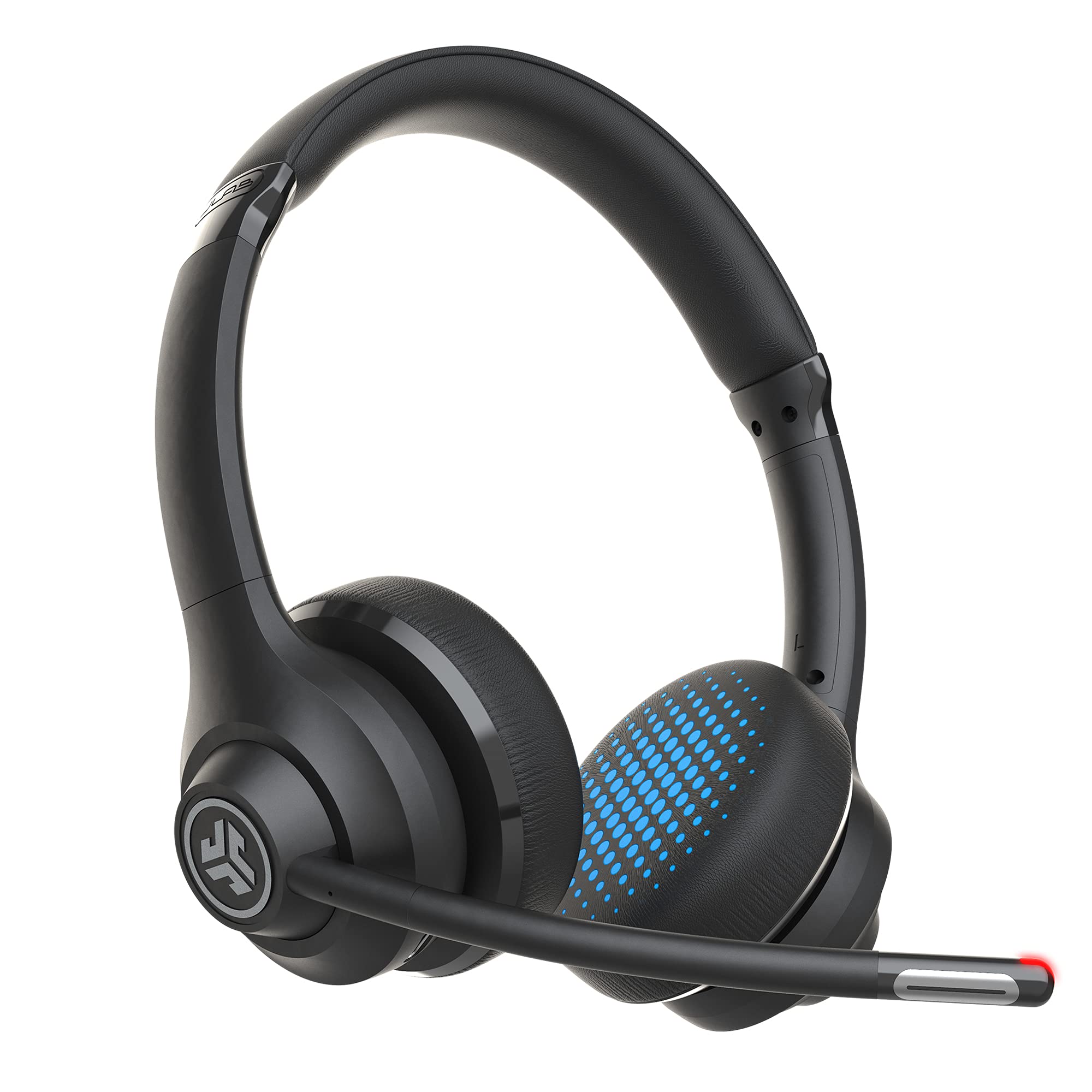
- Bluetooth multipoint connects with two devices simultaneously.
- A USB-C to 3.5mm cable supports wired use.
- The boom microphone has a red LED mute indicator.
Best Gift For: A remote worker who moves between laptop calls and mobile conversations.

FIFINE T669 USB Condenser Microphone Kit
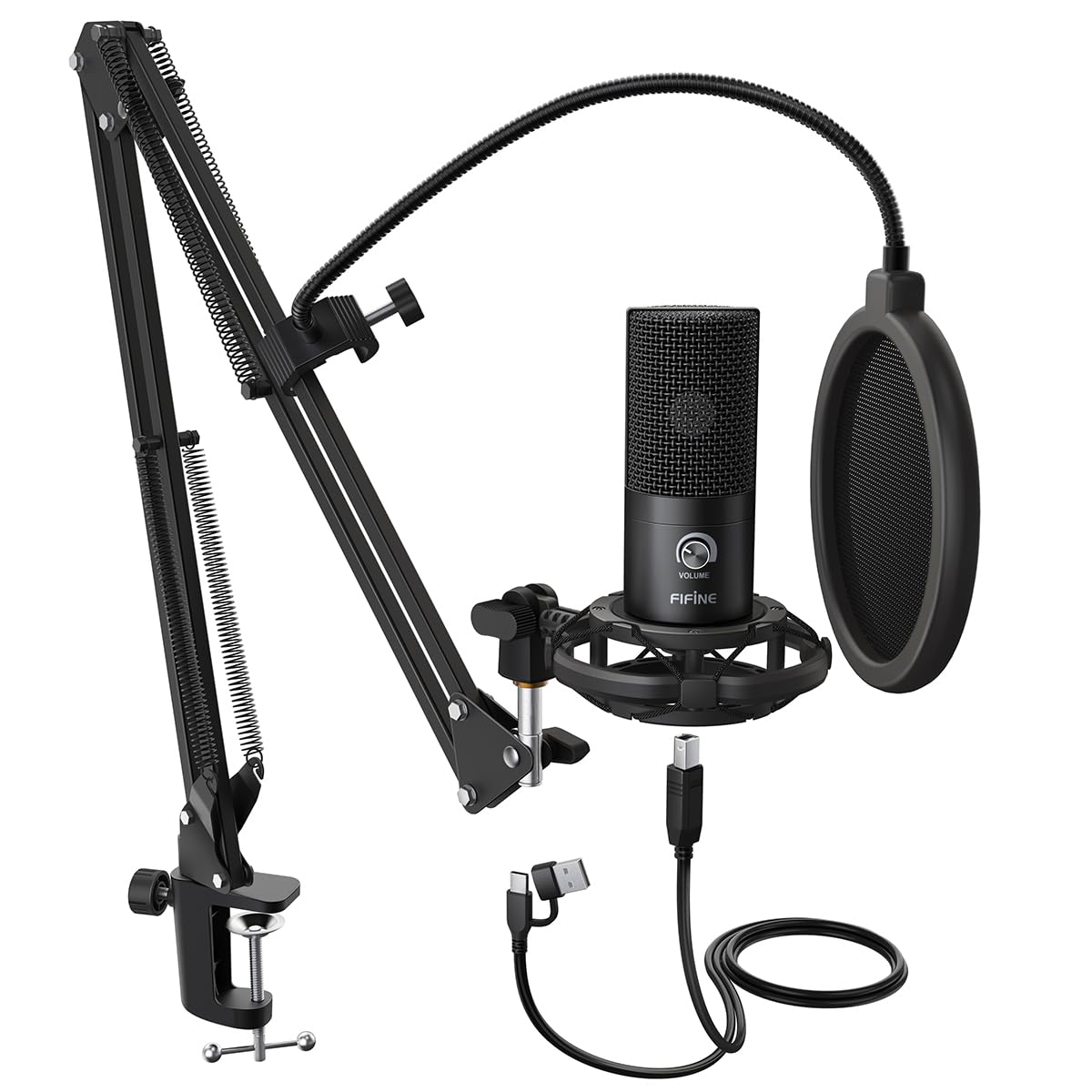
- USB connection provides plug-and-play setup with a PC or laptop.
- The kit includes an adjustable boom arm and shock mount.
- A double pop filter helps reduce popping sounds.
Best Gift For: A home creator setting up a desk for voice recordings or online conferences.
SABRENT 6-Port USB-C Hub with M.2 SSD Slot
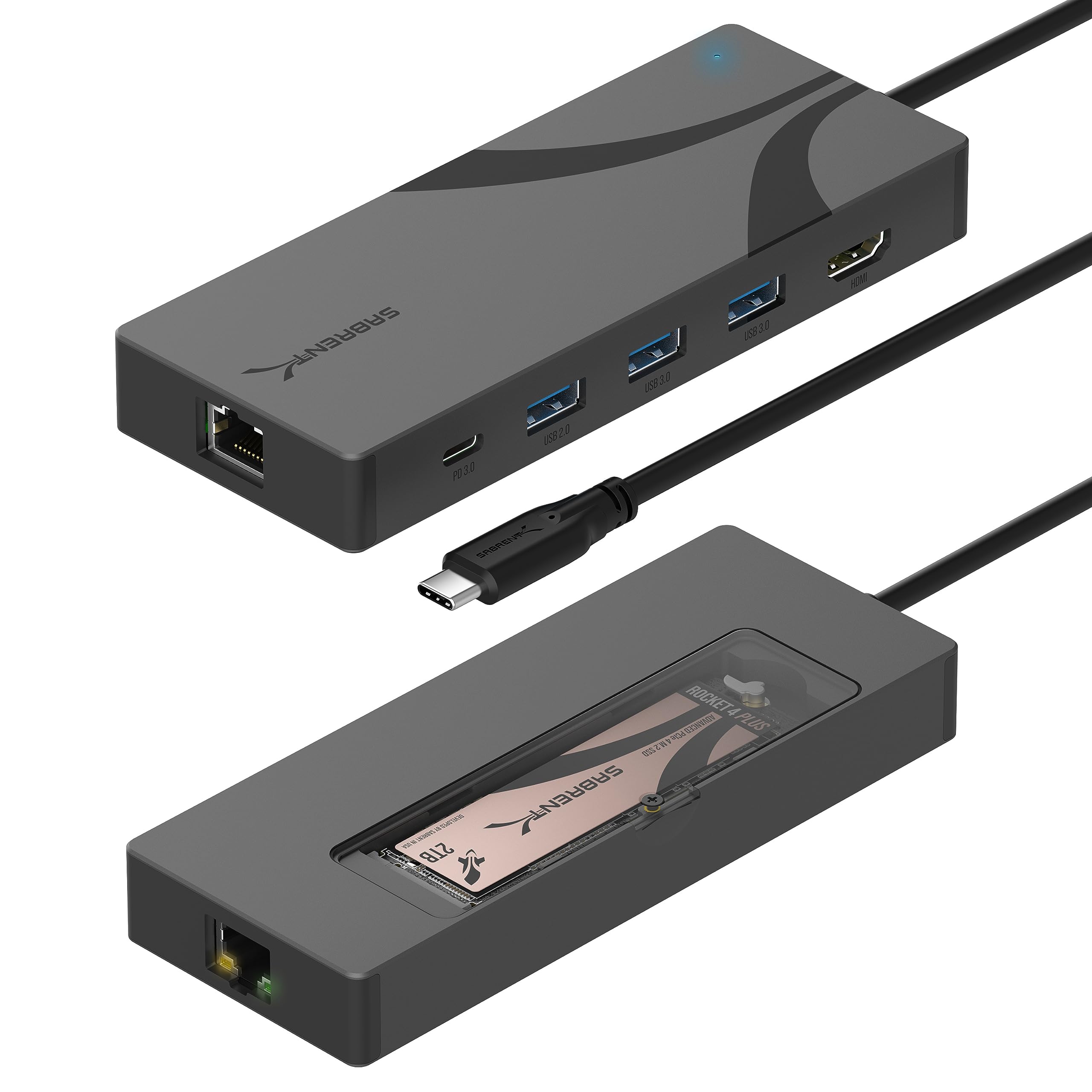
- The dock includes an M.2 slot for an SSD.
- HDMI supports an external display up to 4K@60Hz.
- It has Gigabit Ethernet for a wired network connection.
Best Gift For: A laptop user who wants more desk connections and portable storage options.
HUANUO FlowLift Single Monitor Arm
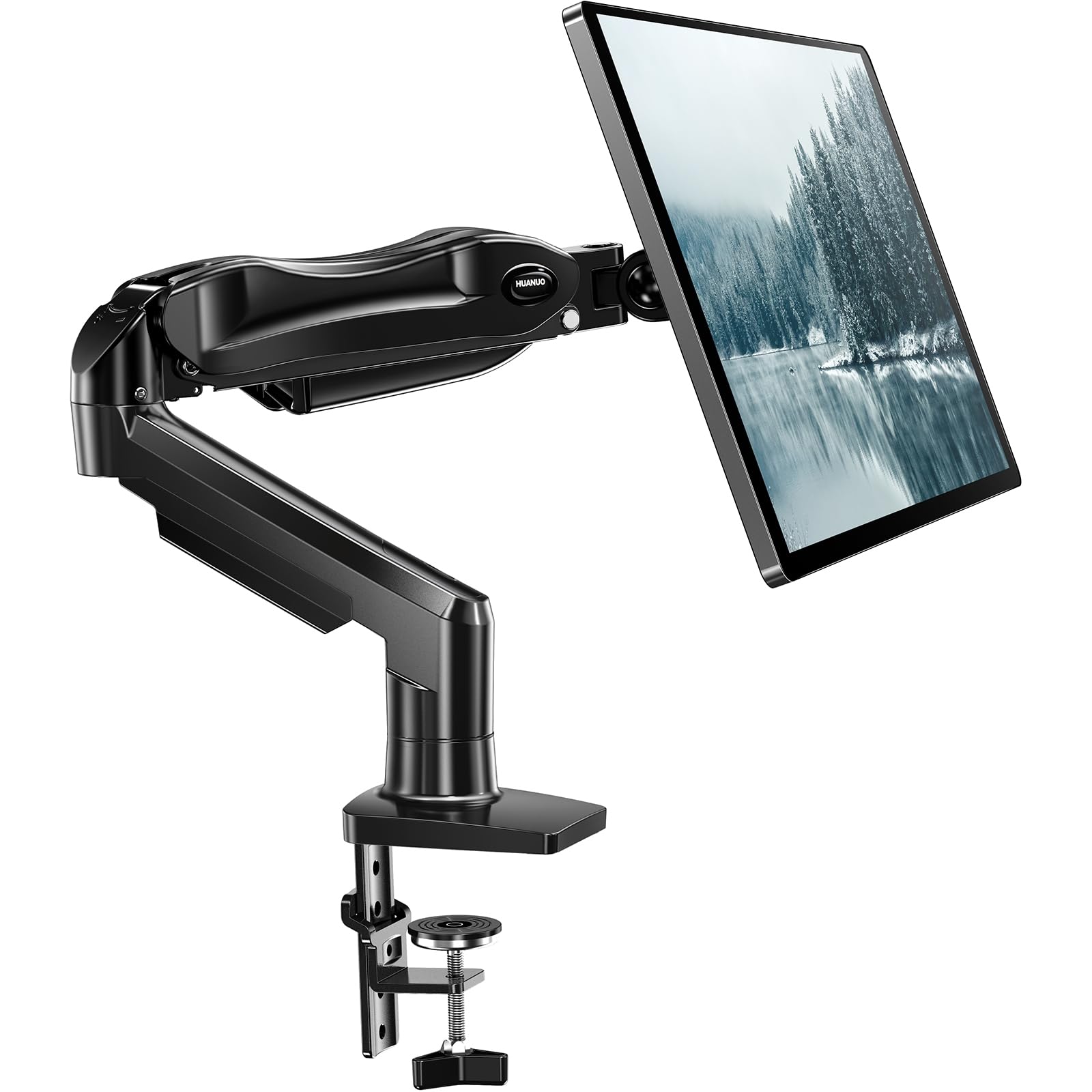
- Fits monitors from 13 to 32 inches and 4.4 to 19.8 lbs.
- Choose between a C-clamp or grommet mount.
- The arm allows tilt, swivel, and full rotation adjustments.
Best Gift For: A desk worker whose monitor matches the mount's size, weight, and VESA requirements.
Nulaxy 18-Inch Telescopic Rotating Laptop Stand
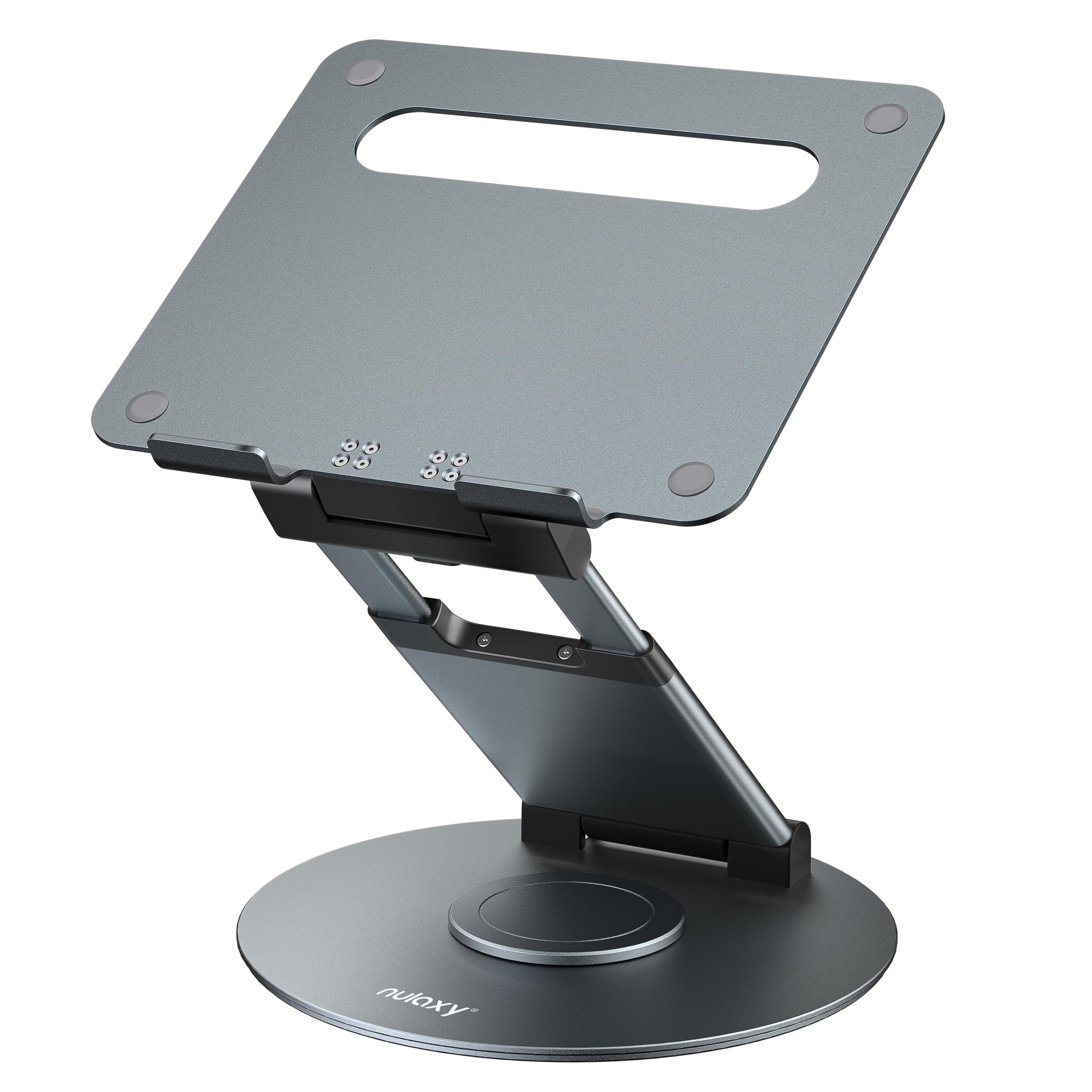
- The stand rotates 360 degrees to share a screen.
- Height adjusts up to 18 inches for sitting or standing positions.
- It fits laptops and tablets up to 17 inches.
Best Gift For: A laptop user who shares their screen at a desk or alternates between sitting and standing.
SteelSeries Apex 3 RGB Gaming Keyboard
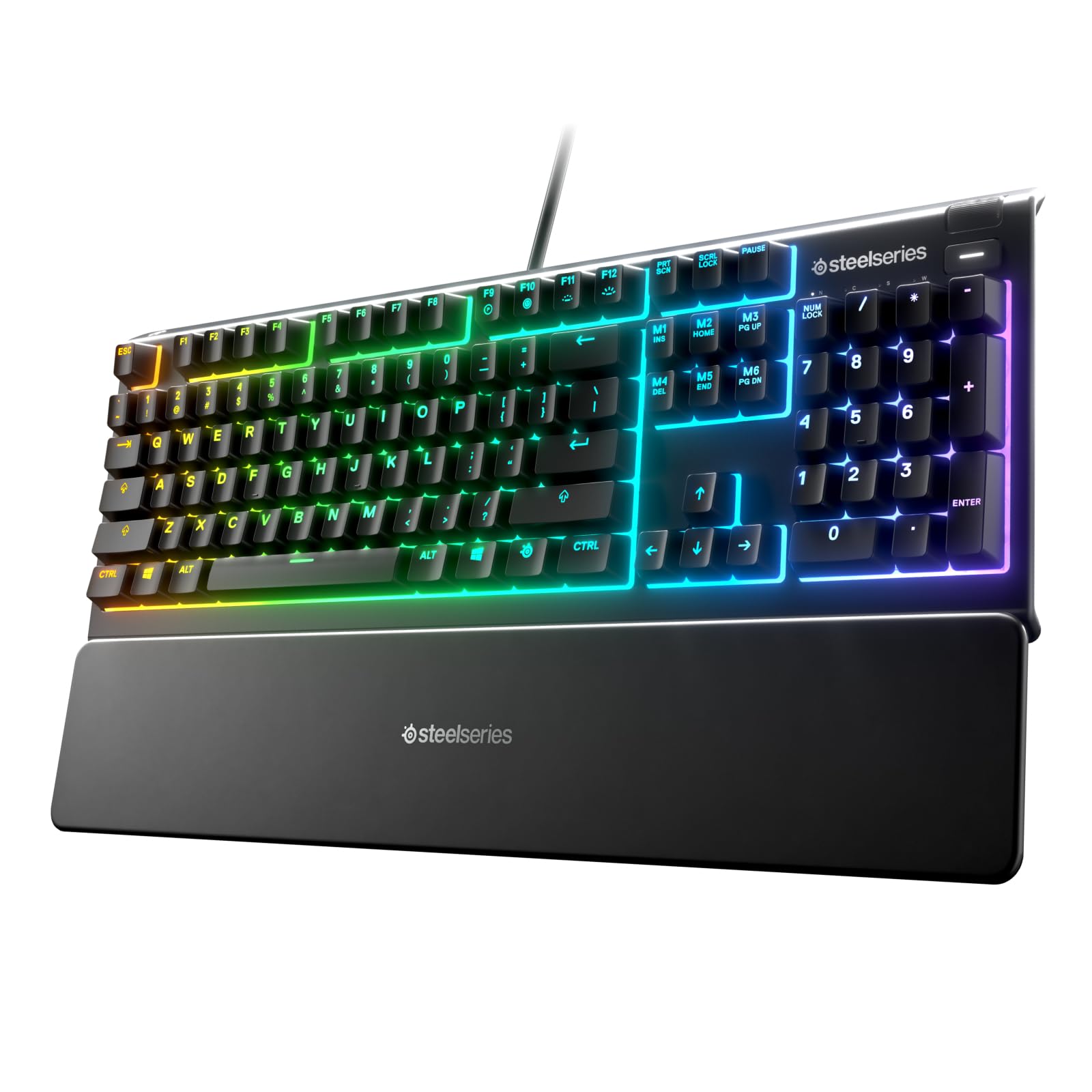
- Whisper-quiet switches are designed for near-silent use.
- The magnetic wrist rest provides palm support.
- Dedicated multimedia controls adjust volume and settings.
Best Gift For: A home office user who prefers quiet key presses and wrist support.
Audioengine A2+ Wireless Computer Speakers
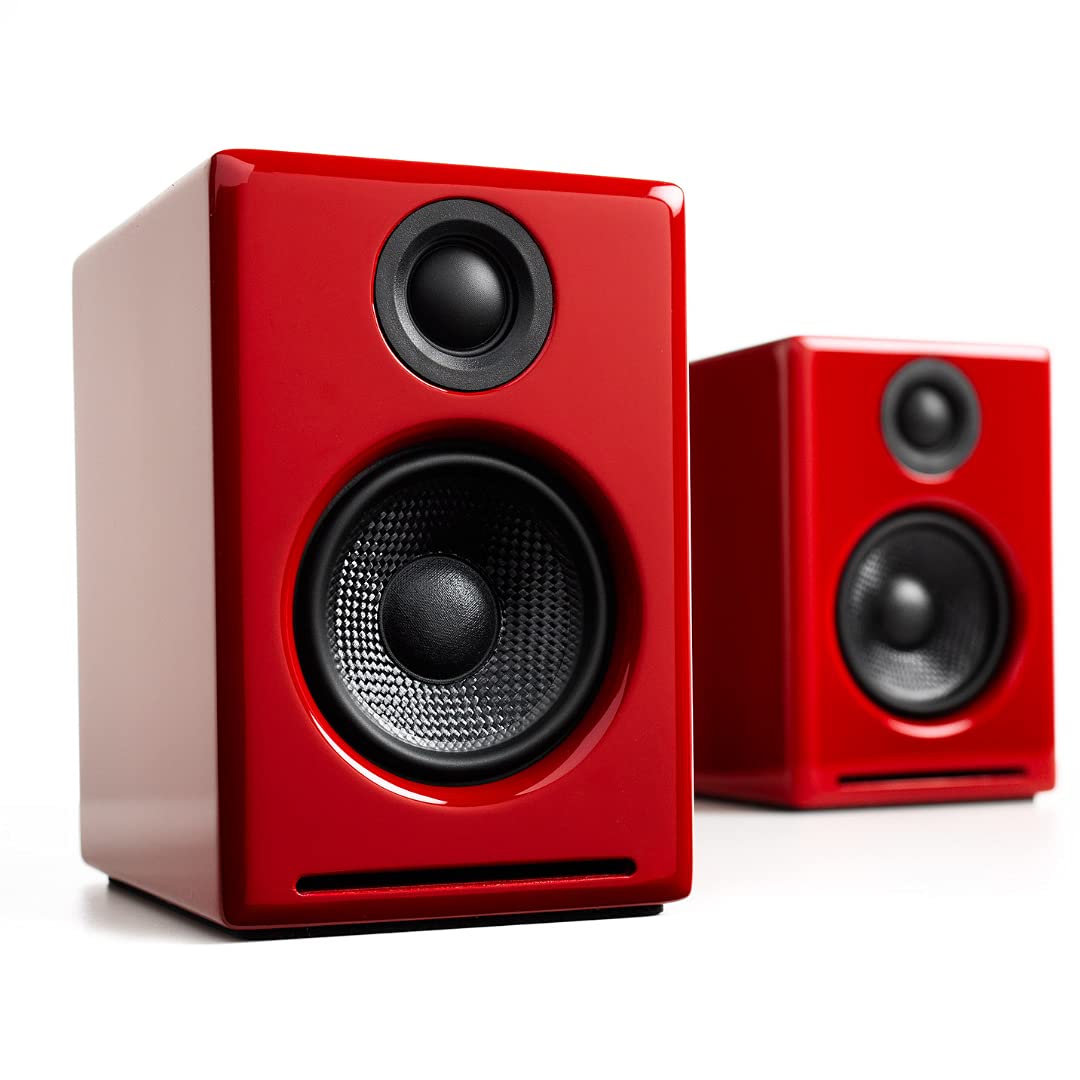
- Bluetooth supports wireless streaming from phones, tablets, and computers.
- USB-C, RCA, and 3.5mm AUX inputs support wired connections.
- Real wood cabinets are hand-finished.
Best Gift For: Someone who listens to music, podcasts, or calls from a home office desk.
TP-Link BE6500 Dual-Band WiFi 7 Router
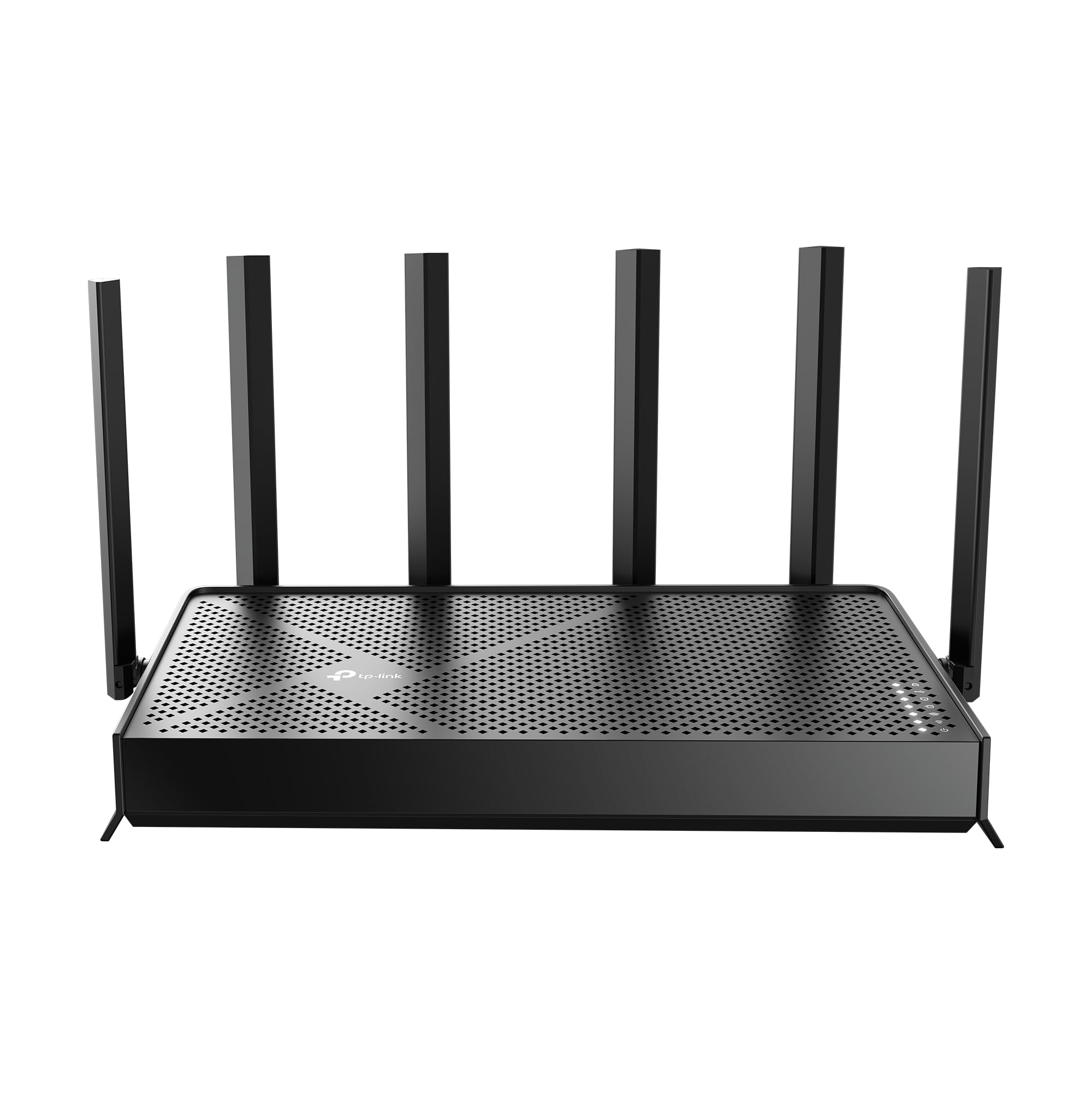
- Wi-Fi 7 includes Multi-Link Operation technology.
- It has coverage for up to 2,400 sq. ft. and 90 devices.
- The router has two 2.5 Gbps ports.
Best Gift For: A home worker looking to upgrade a shared household network, after checking device and internet compatibility.
Nelko Bluetooth Thermal Shipping Label Printer
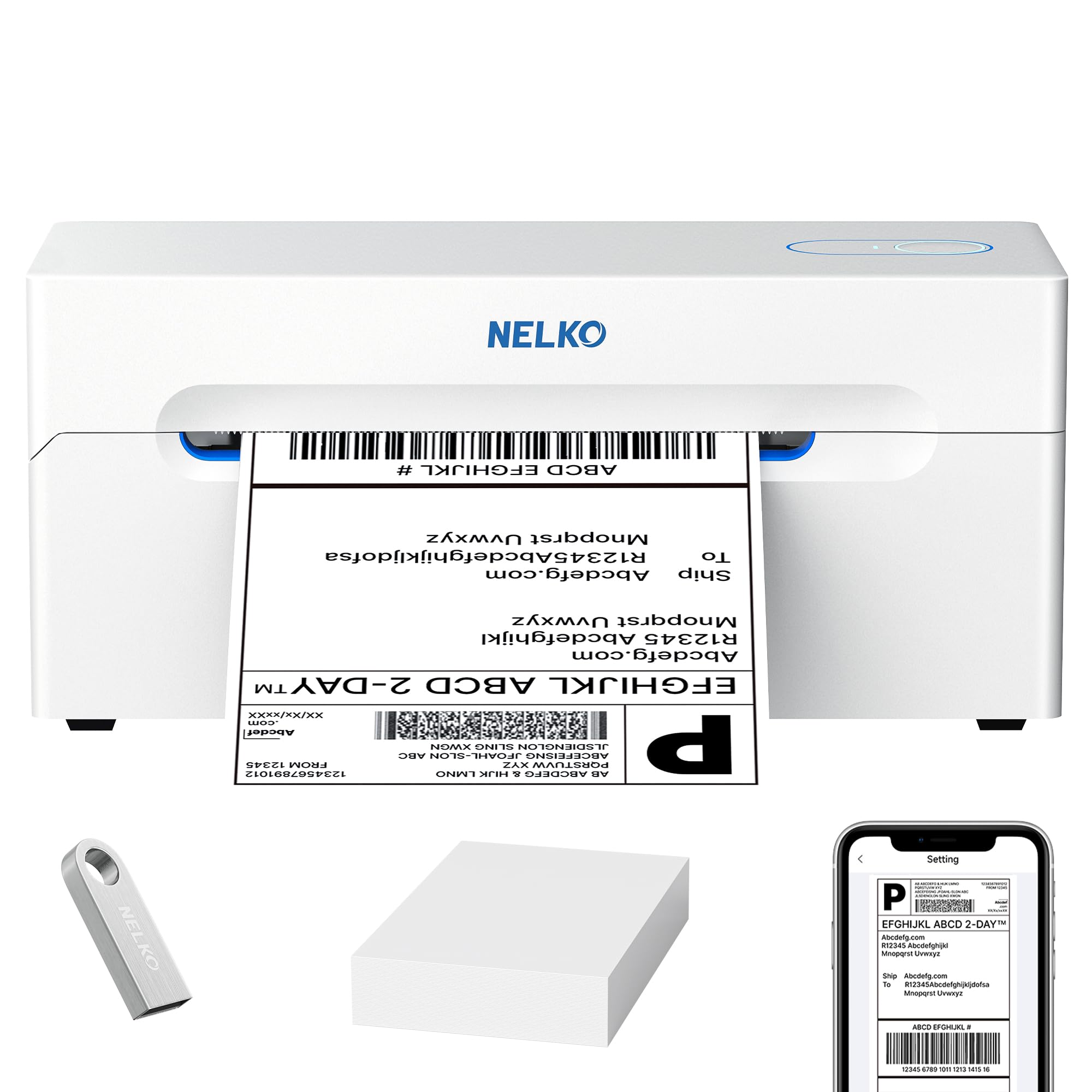
- Bluetooth printing works with iOS, Android, Windows, and select Mac devices.
- USB printing supports Windows, Mac OS, Chrome OS, and Linux.
- Prints shipping labels, warehouse tags, and product price stickers.
Best Gift For: A small business owner who regularly prepares labels for online orders.
BESTEK Power Strip Tower with USB
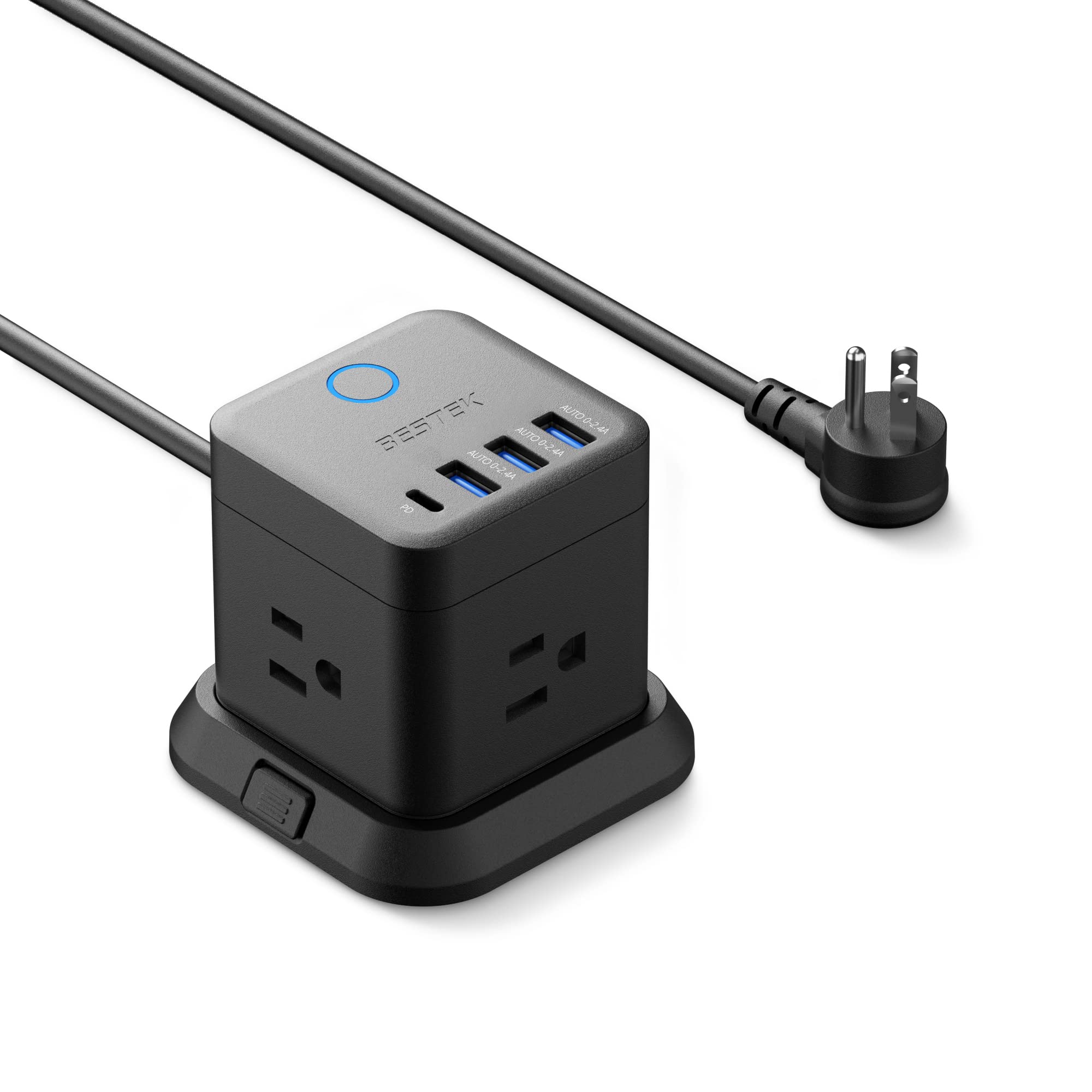
- It combines three outlets with USB-A and USB-C ports.
- The compact unit can mount on a desktop or under a table.
- A flat plug is intended to fit narrow spaces.
Best Gift For: A desk worker who needs accessible outlets and USB charging in a compact workspace.
1. Match Home Office Tech Gifts to the Workday
When choosing home office tech gifts, start with the part of the workday that causes friction. Someone with back-to-back calls may appreciate a more convenient audio setup; a shop owner shipping orders has a different need from a colleague who mainly works in spreadsheets.
Think about what they do repeatedly, rather than what looks impressive on a desk.
A gift is more likely to fit when it works with the recipient’s existing setup. Before choosing a stand, hub, monitor mount, or router, discreetly check the computer, monitor, ports, operating system, and available desk space.
For an accessory with size or weight limits, compare those details with the device itself.
Consider the room, too. A shared home may call for quieter equipment or a tidier charging arrangement, while a dedicated office can accommodate a larger workspace change.
If you’re unsure what would help, ask about a small annoyance they mention often, or choose something easy to incorporate into their existing routine.
2. Set a Budget Around the Scale of the Upgrade
Desk gifts range from compact accessories to equipment that changes a whole setup. Decide whether you’re aiming for a useful small gesture, a meaningful individual upgrade, or a larger shared gift.
That keeps the choice in proportion to your relationship and helps narrow options before comparing features.
At a tighter budget, focus on a specific everyday convenience, such as easier charging or a more comfortable typing setup. A larger purchase makes more sense when you know the recipient wants that category and has the right equipment to use it.
For a group gift, agree on a contribution and have one person confirm the recipient’s preferences.
Check actual prices before buying, since they can change. Compare what is included and whether the gift might require a separate accessory or additional setup.
A low-cost item that fits the recipient’s routine can be more thoughtful than a more expensive device they cannot readily connect or place.
3. Personalize Home Office Tech Gifts Thoughtfully
Home office tech gifts can feel personal when they reflect how someone likes to work. A friend who records short videos may value a different desk addition than a manager who spends most of the day in calls.
You can use what you already know about their routine without turning the gift into a guess about their entire profession.
Presentation can make a practical item feel considered. Add a brief note naming the work habit that inspired it, or pair a desk accessory with a handwritten message and a snack for their next long work session.
For a larger device, a simple card explaining why you chose it can make the intention clear without promising it will transform their work.
For shared offices or family members, consider the workspace’s look and noise level. A neutral color or quieter operation may suit a room used by several people.
If the gift changes how equipment is arranged, ask whether they would like help setting it up, and let them choose where it belongs.
4. Choose for Compatibility and Workspace Fit
Before checkout, verify the exact device and connection the recipient uses. USB-C, HDMI, Bluetooth, operating systems, monitor mounting patterns, and network gear can all affect whether an accessory fits.
Product names alone may not answer those questions, so check current details and the recipient’s setup when a mismatch would make the gift unusable.
Measure the desk or mounting area if the gift needs a particular footprint or attachment point. Check clearances around the display, how the desk is built, and whether cables can reach the intended spot.
For a network upgrade, think about where the router will sit and which devices need to connect, rather than assuming one model suits every home.
A little discreet research helps: glance at a device label, ask a household member who knows the setup, or let the recipient choose between two suitable options. If personal details are hard to confirm, a gift receipt and a simple exchange plan can take pressure off the decision.
5. Last-Minute Buying Advice
For a time-sensitive gift, narrow the choice to something with an obvious role in the recipient’s existing workspace. Confirm the exact model, needed connections, dimensions, and included accessories before ordering.
Check current delivery estimates for the recipient’s location; timing can vary, so avoid promising an arrival date until it is confirmed.
If shipping is uncertain, make the gift presentable without pretending the item has arrived. Give a printed picture or a handwritten card describing the choice, and include the order or pickup details only if appropriate.
This gives the recipient something to open while keeping the plan clear and relaxed.
For an in-person purchase, check return terms and preserve packaging until compatibility is confirmed. Include the receipt or gift receipt, and leave time for setup if the item needs mounting or configuration.
A thoughtful note and a realistic handoff can make a practical work gift feel complete, even when schedules are tight.